01
Sign Up
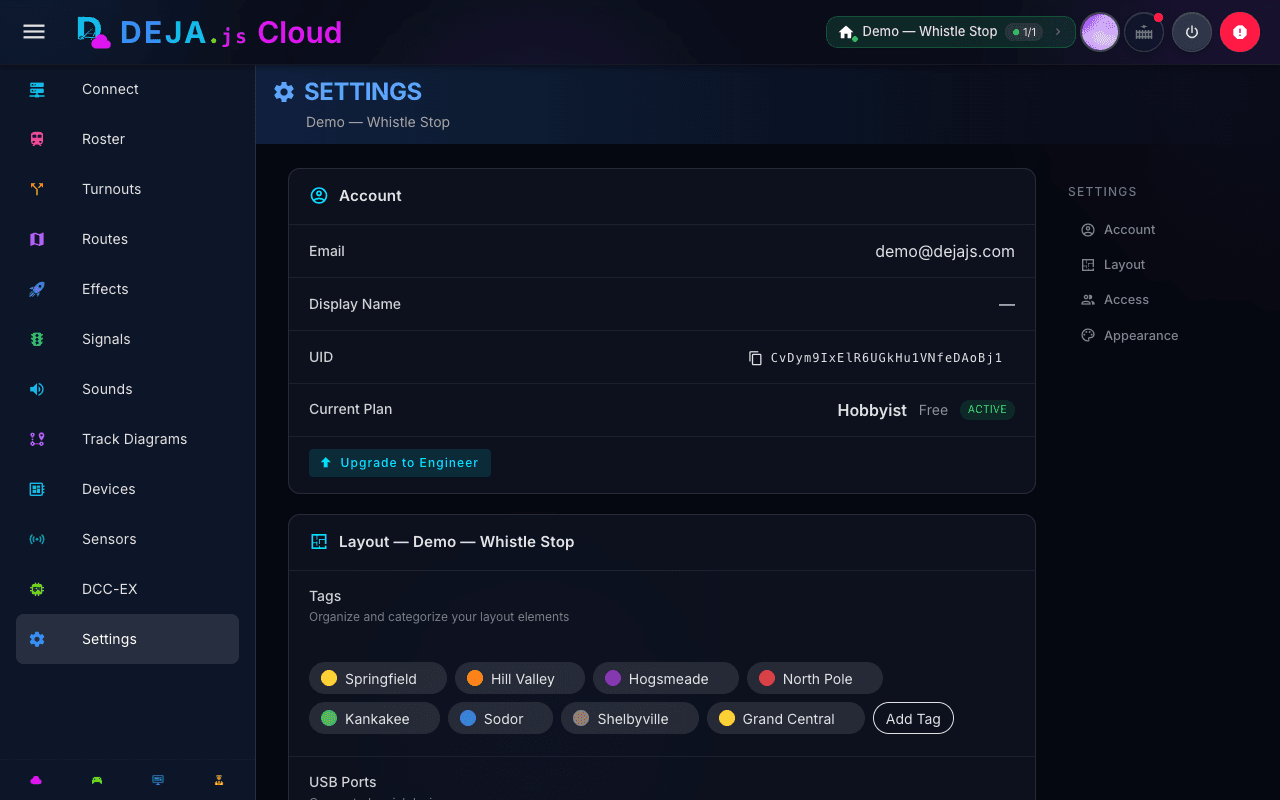
Create your free DEJA Cloud account. Choose a plan that fits your layout. Your roster, settings, and layout data sync instantly across every device.
 DEJA.js
DEJA.js connects your  DCC-EX EX-CommandStation to your phone, tablet, and computer using a modern, high performance, secure tech stack. Throttle, manage, and automate your layout from any browser — no app store required.
You tap
Server routes
$
✓ Ready
← throttle {addr:3, speed:50}
→ <t 3 50 1>
DCC-EX Translates

DCC-EX Translates
Train moves
Train moves
Create your free DEJA Cloud account. Choose a plan that fits your layout. Your roster, settings, and layout data sync instantly across every device.
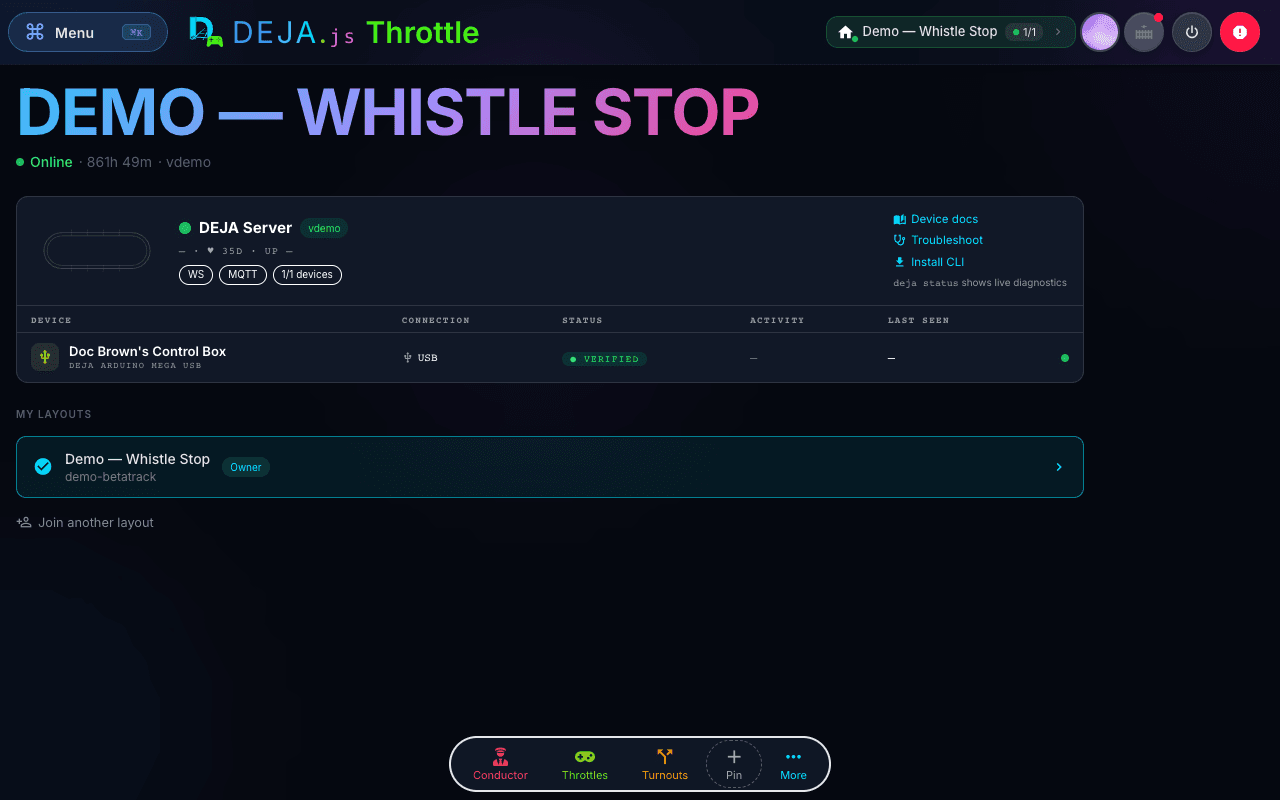
Plug in your  DCC-EX EX-CommandStation via USB and install the CLI. Then run
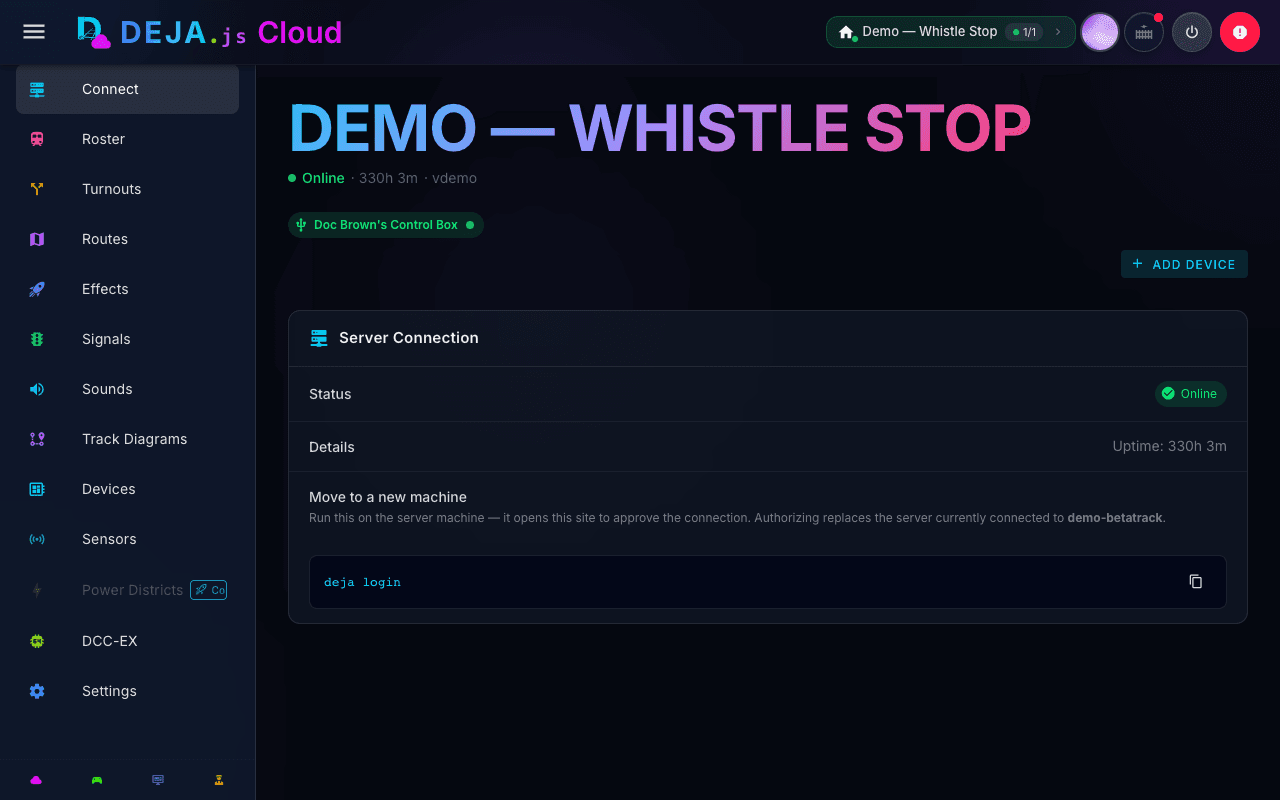
 deja login to connect your account, and deja start to launch the server.
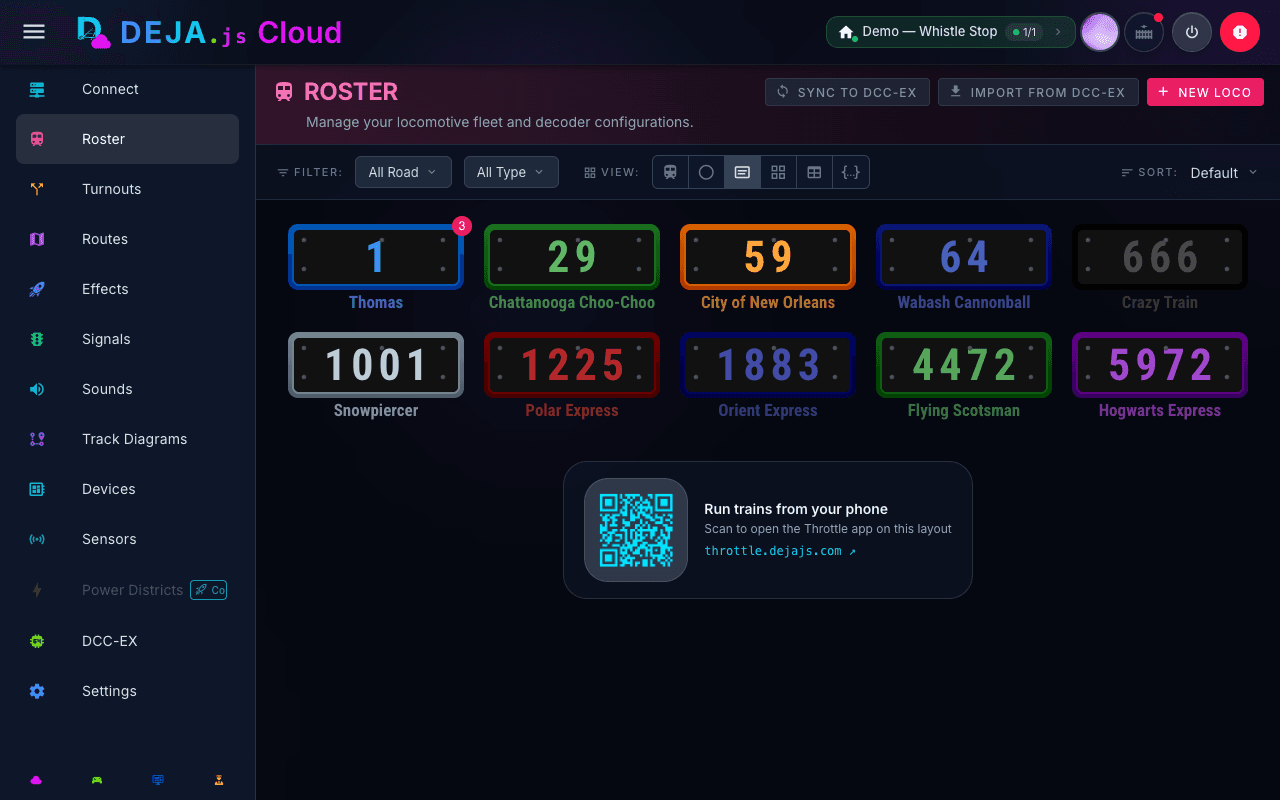
Open the Throttle app on any device — phone, tablet, or desktop. Scan the QR code to launch it instantly on your phone.
Scan to open on phone
Scan to open on phone
$ curl -fsSL https://install.dejajs.com | bash
Downloading DEJA Server v1.2.0...
Installing dependencies...
✓ DEJA Server v1.2.0 installed
→ Starting server...
✓ Server running on ws://localhost:8082
✓ EX-CommandStation connected on /dev/ttyUSB0
ℹ Signed in · Layout: Pittsburg & Shasta 1:87
Video coming soon
Check back shortly
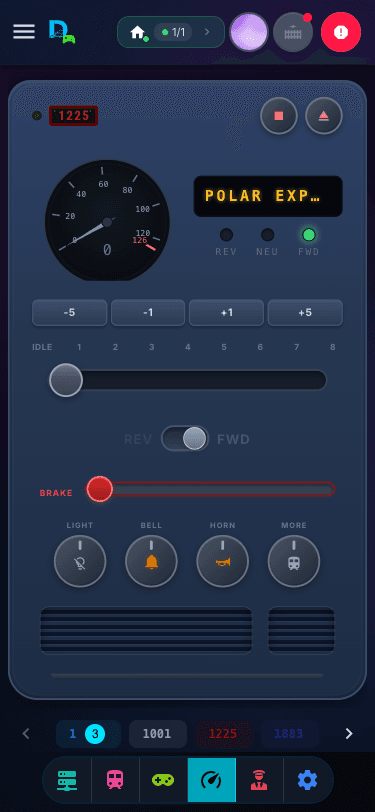
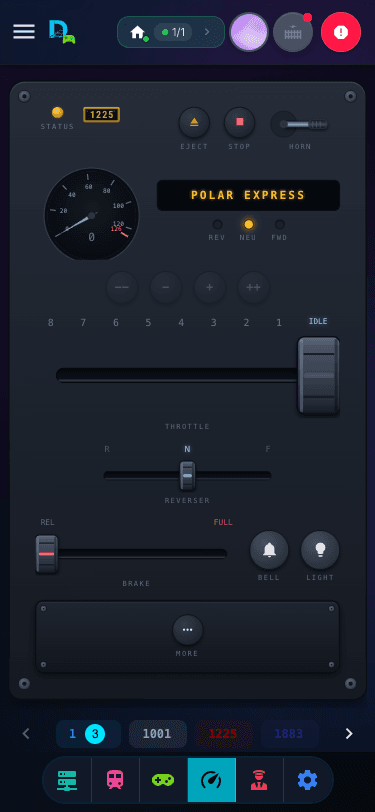
 DEJA.JSThrottle
Precision locomotive control.
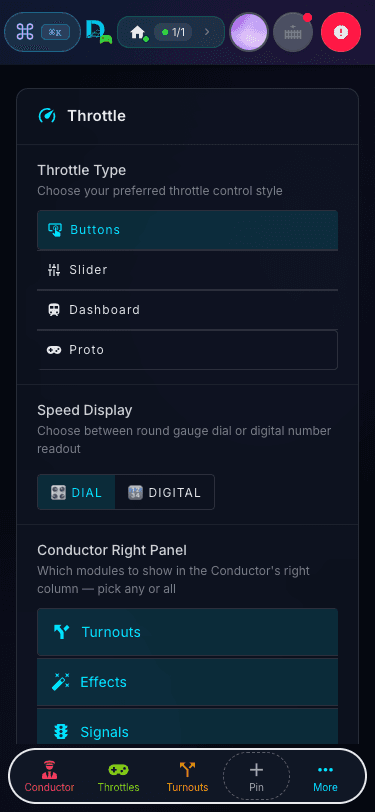
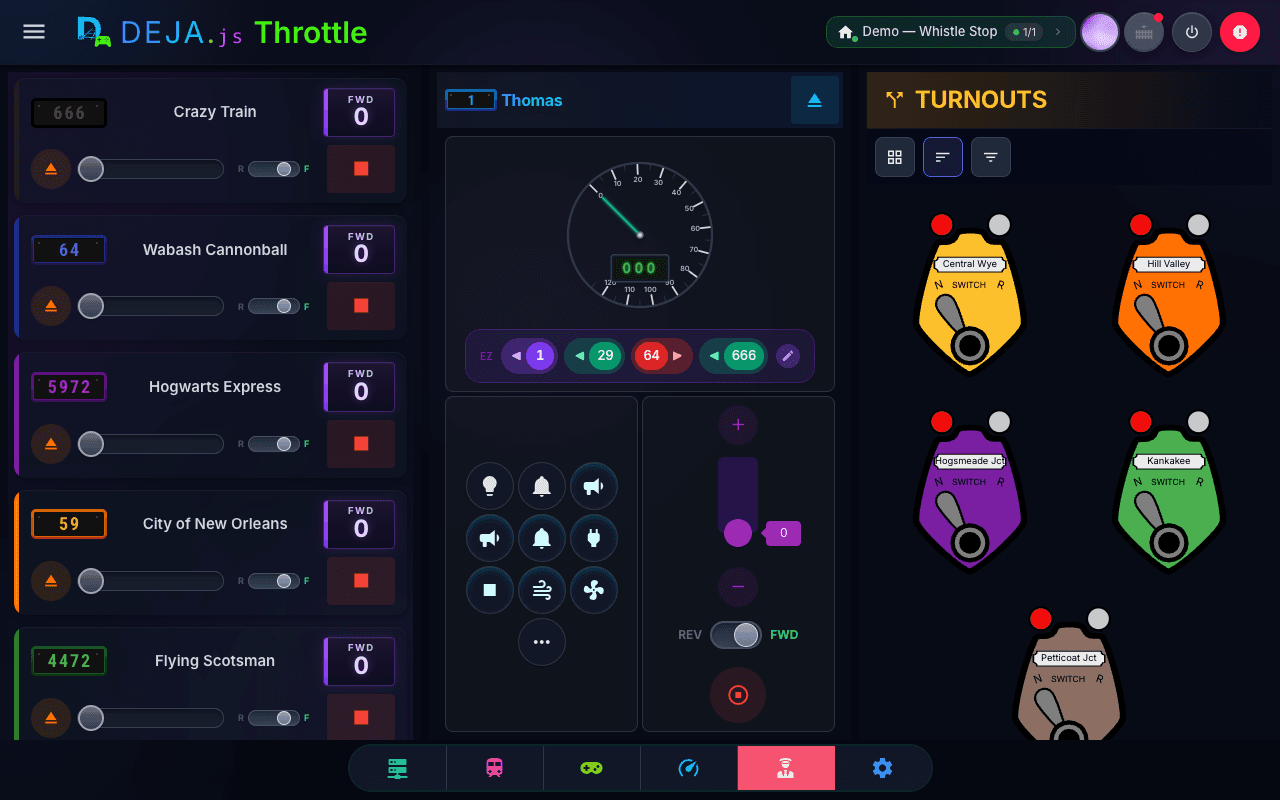
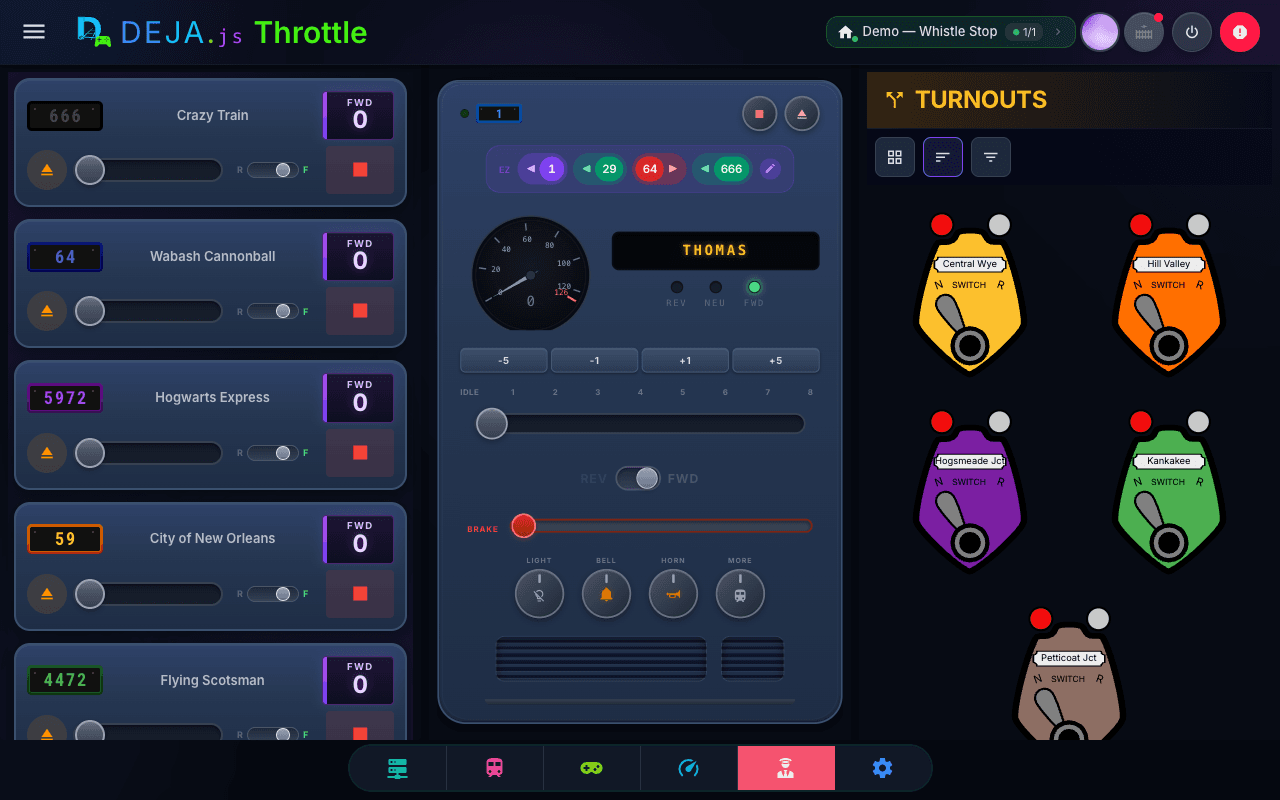
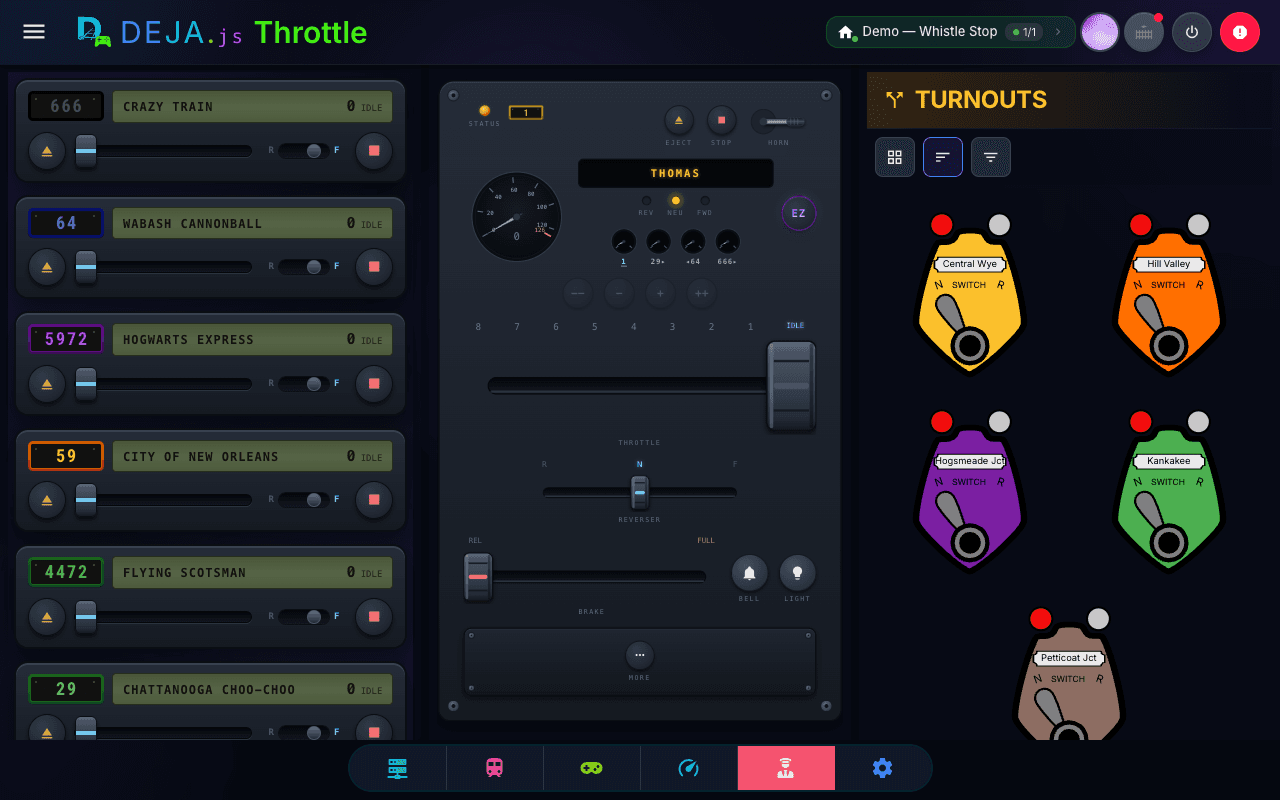
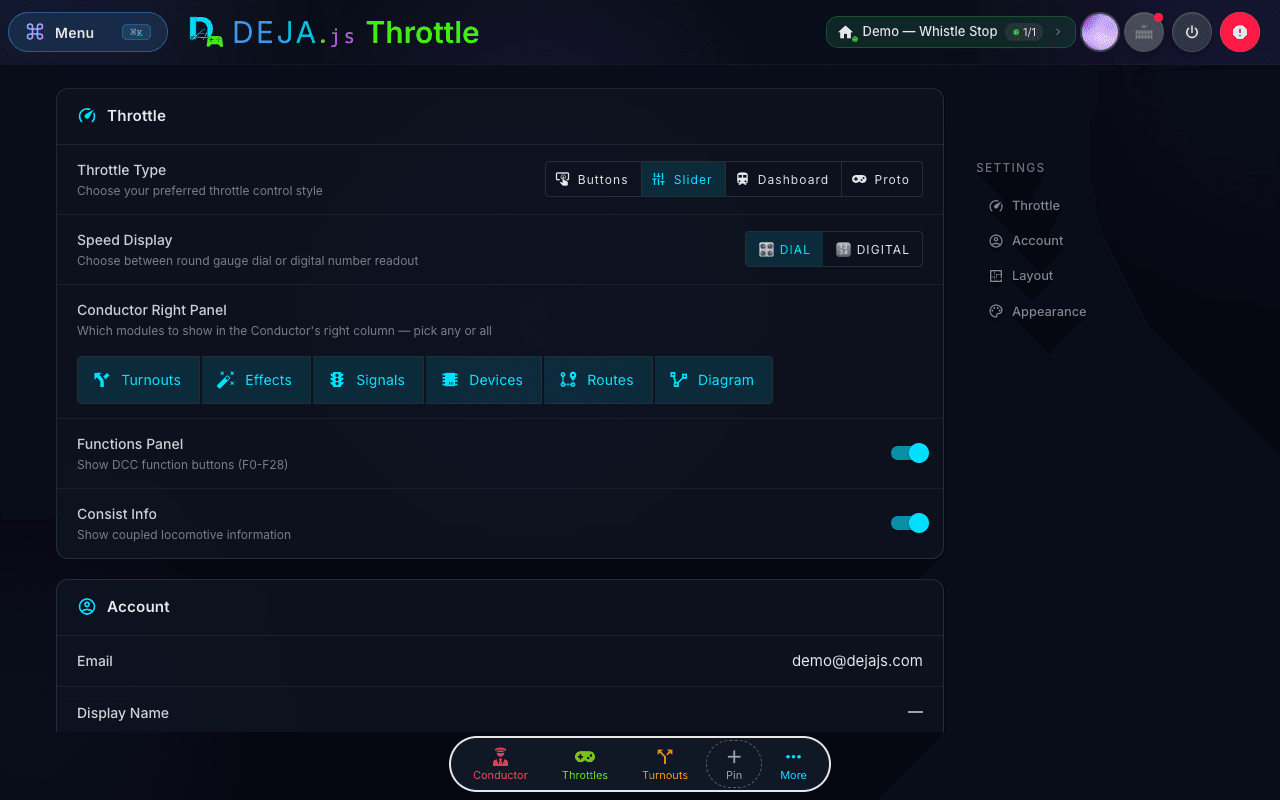
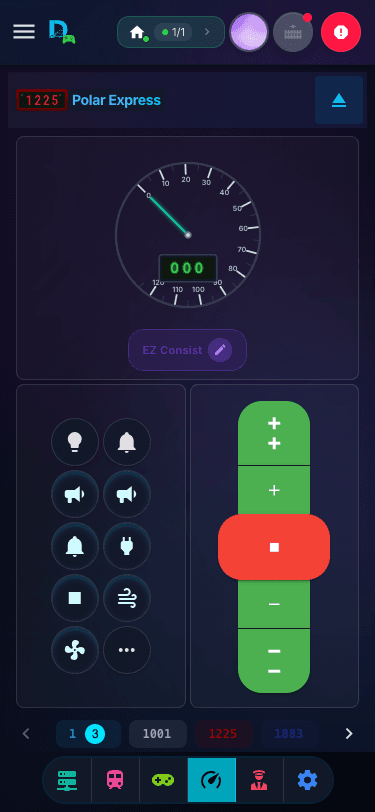
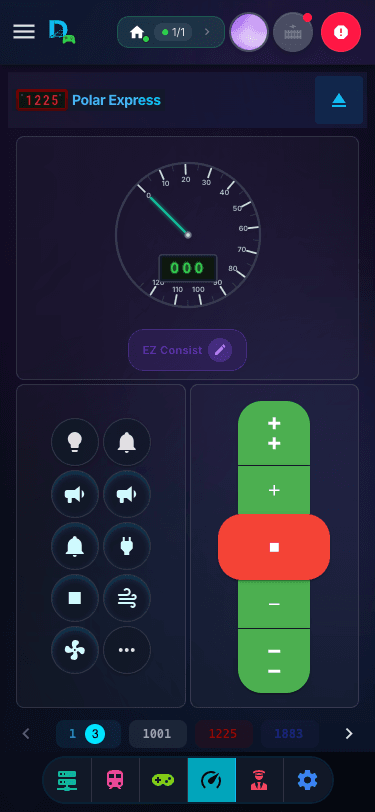
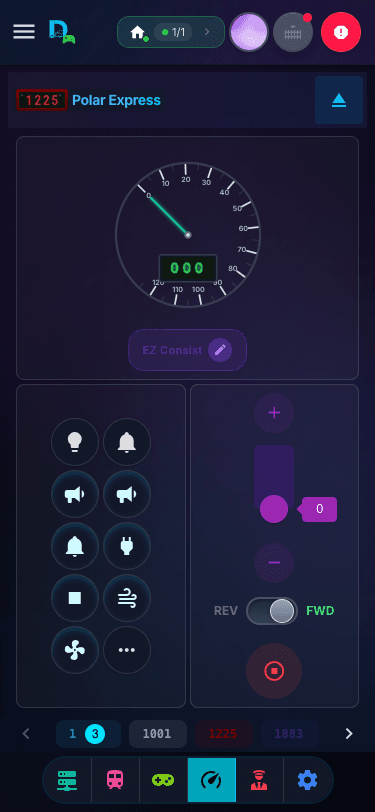
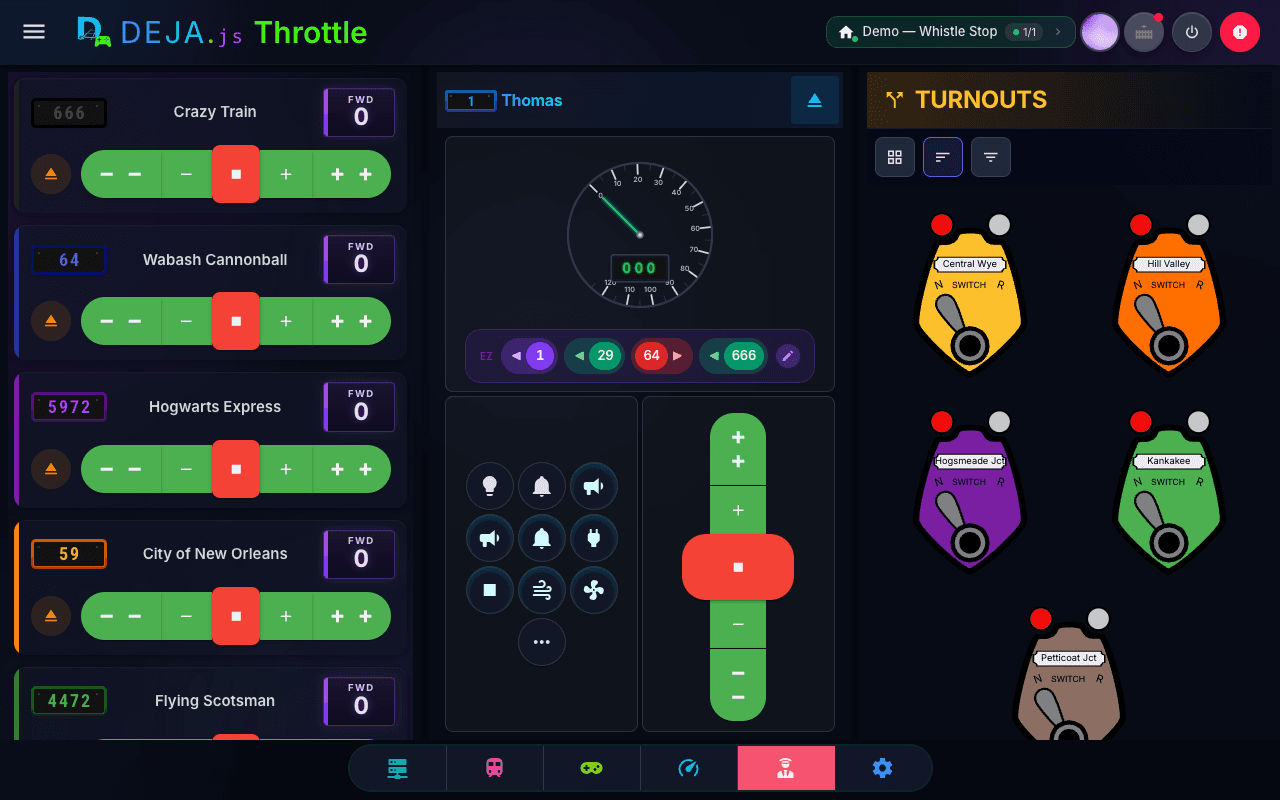
Precise speed control, function mapping, EZ Consist, and CV programming — from any browser. No app store, no install. Add it to your homescreen and open it with a tap.
Web App — works on any device
Open throttle.dejajs.com in Safari or Chrome and tap "Add to Homescreen". Full-screen, no browser chrome.
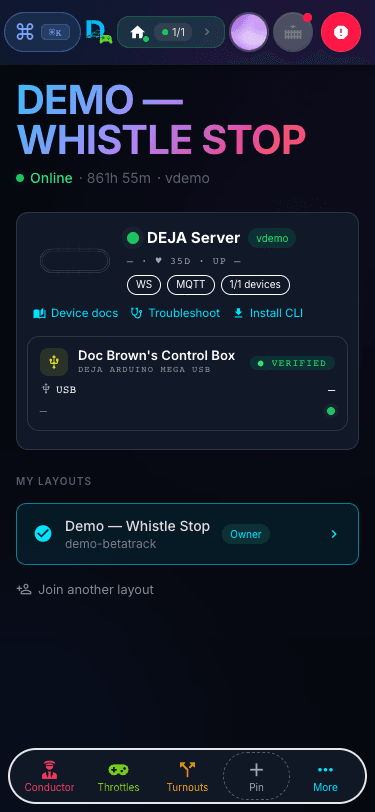
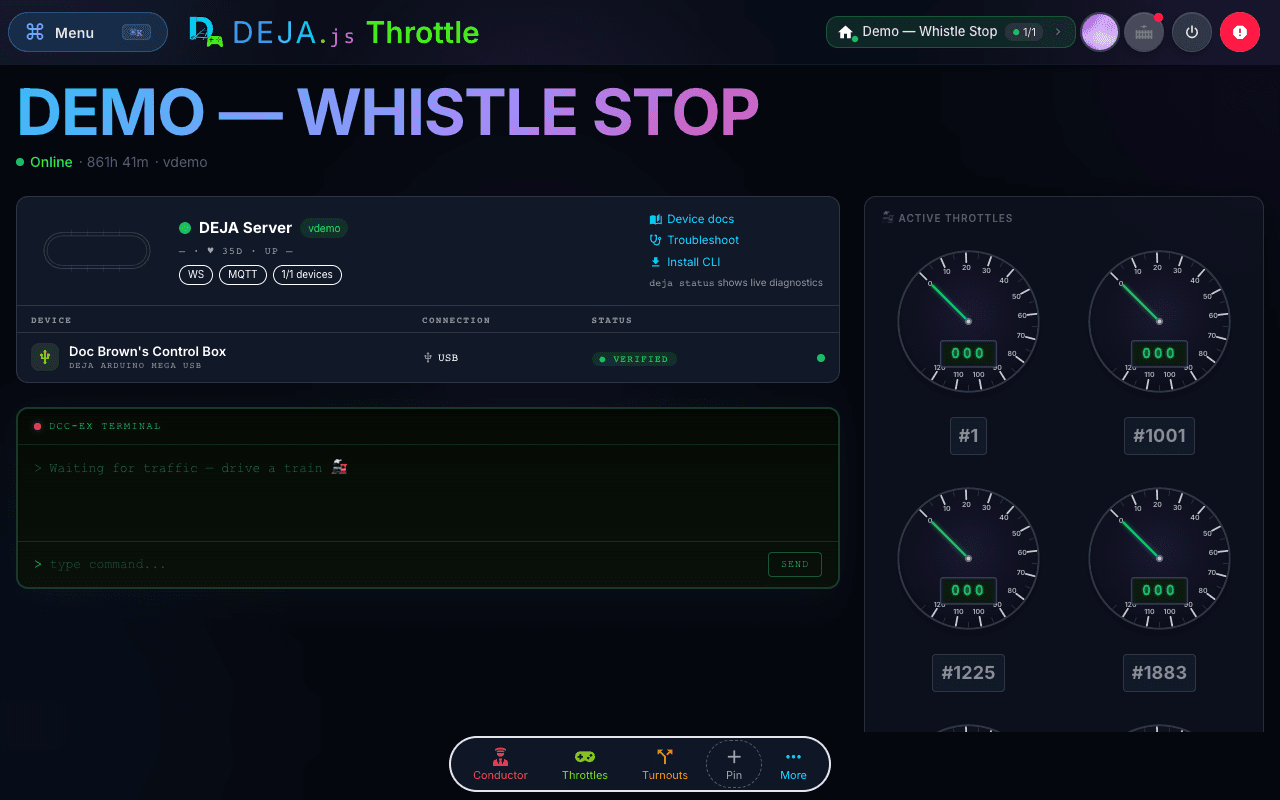
The DEJA Server is a lightweight CLI that bridges your DEJA Cloud to your EX-CommandStation. It runs on any computer connected to an EX-CommandStation. Install it once, start it with a single command, and your entire layout — throttles, turnouts, signals, effects — is live.
install
deja cli
 DEJA.JSCloud
Command central for your layout.
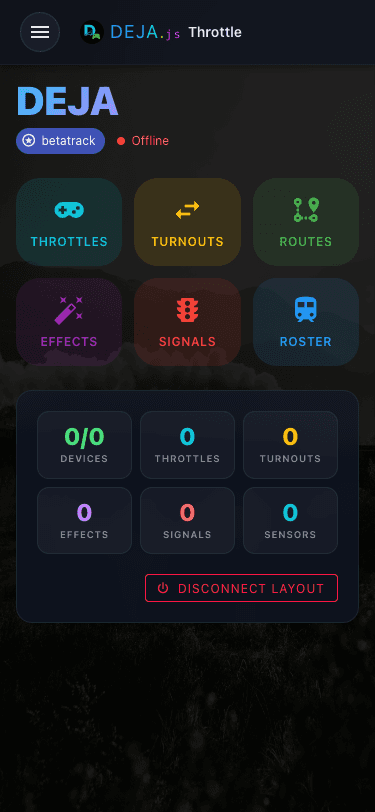
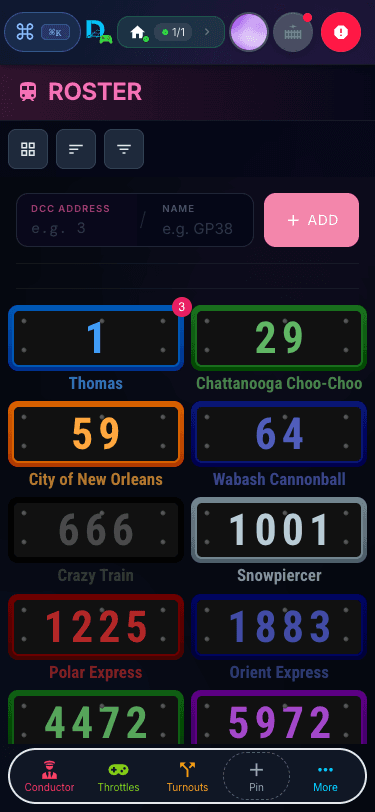
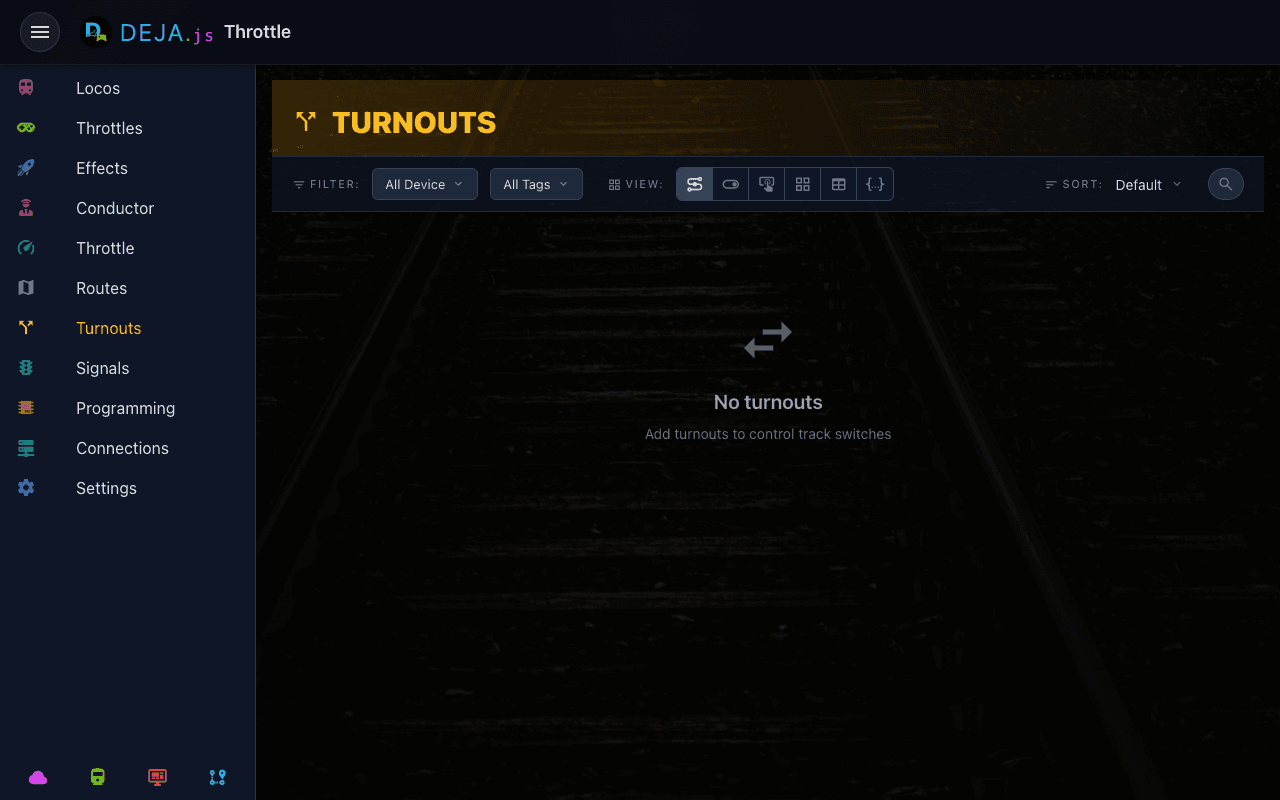
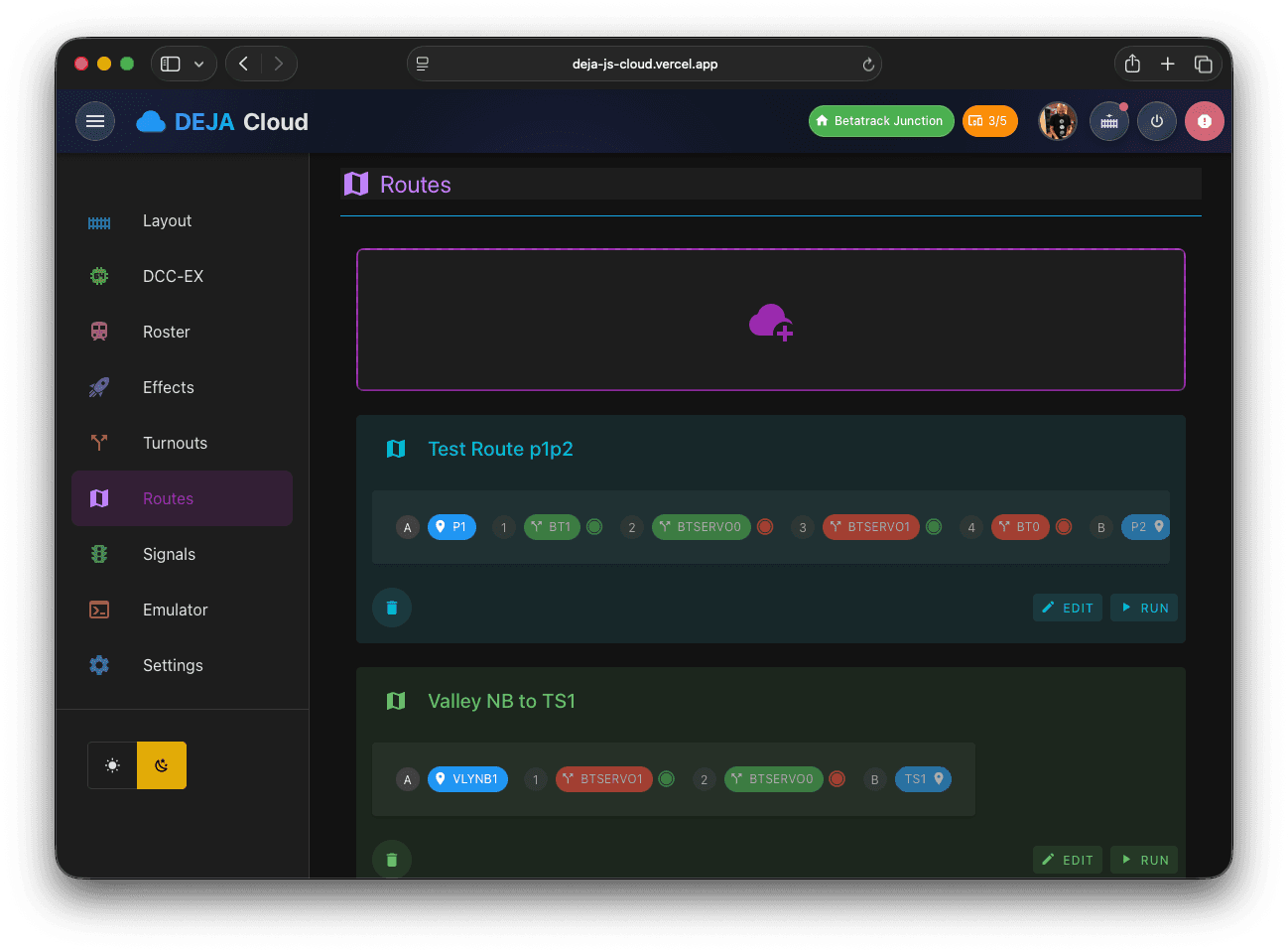
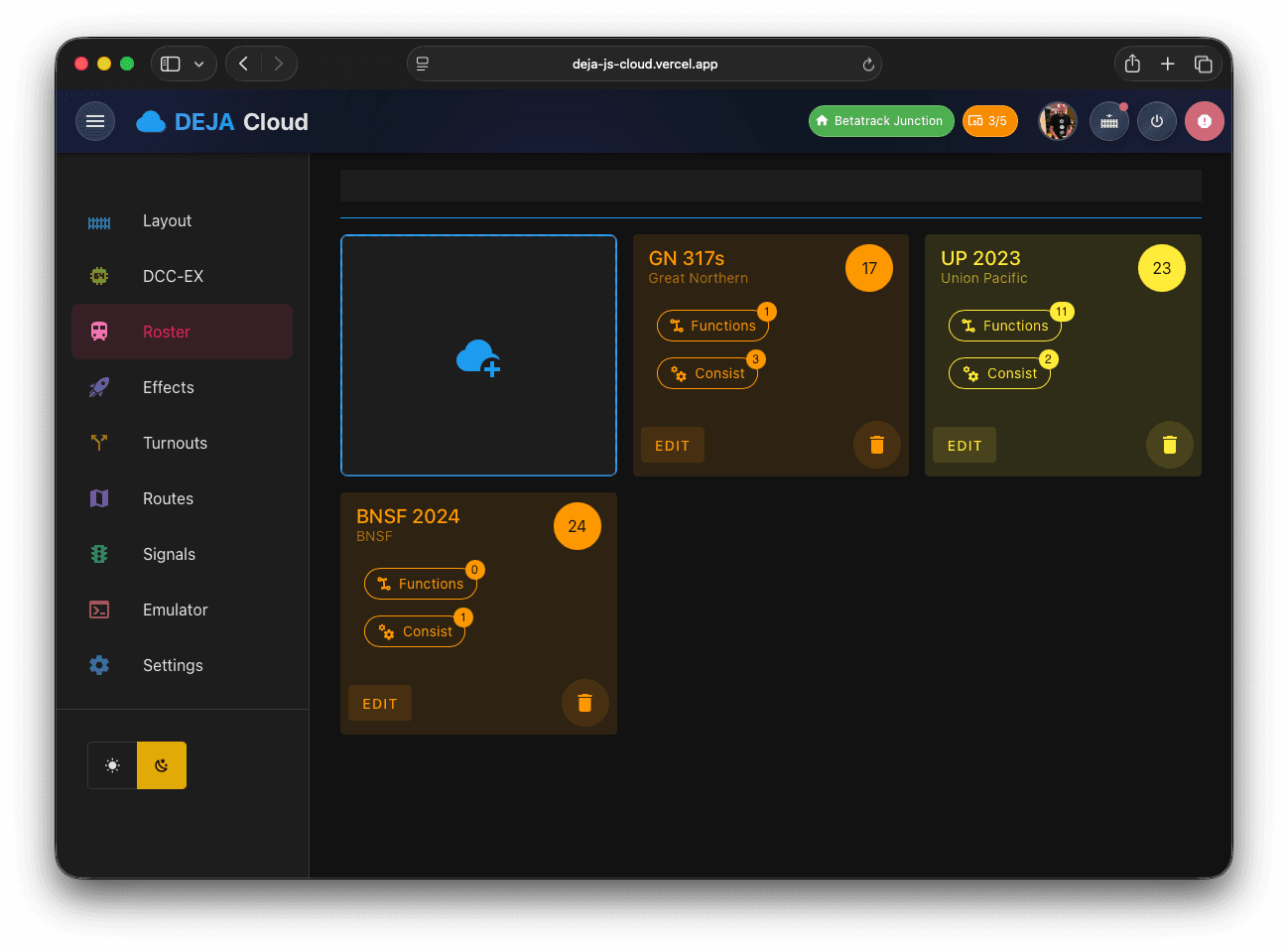
Configure your roster, wire up turnouts and signals, manage devices and connections, and control your layout from anywhere.
Instant sync across all devices
Change a setting on your desktop — it instantly updates on your phone, tablet, and every connected device.
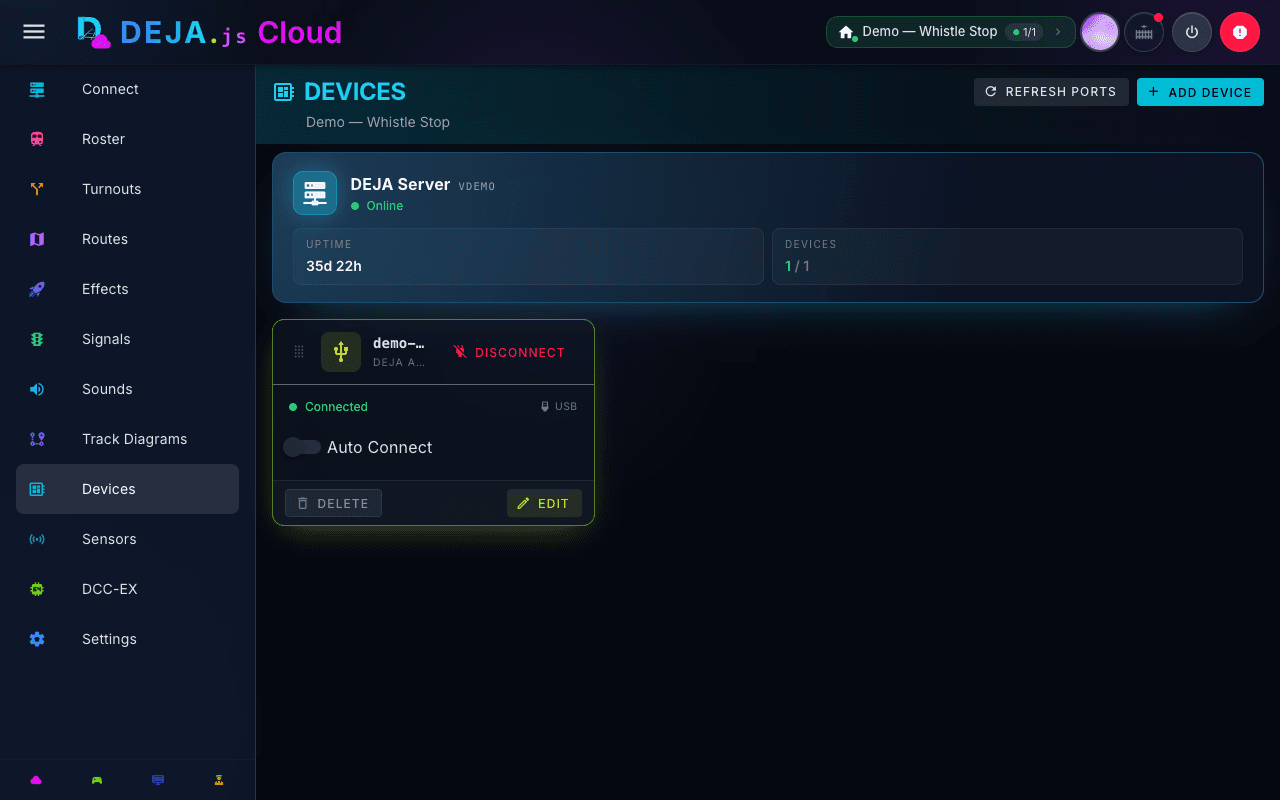
DEJA IO lets you connect common devices — Arduino, Raspberry Pi Pico W, ESP32, or your own custom build — communicating over any supported protocol to expand what your layout can do.
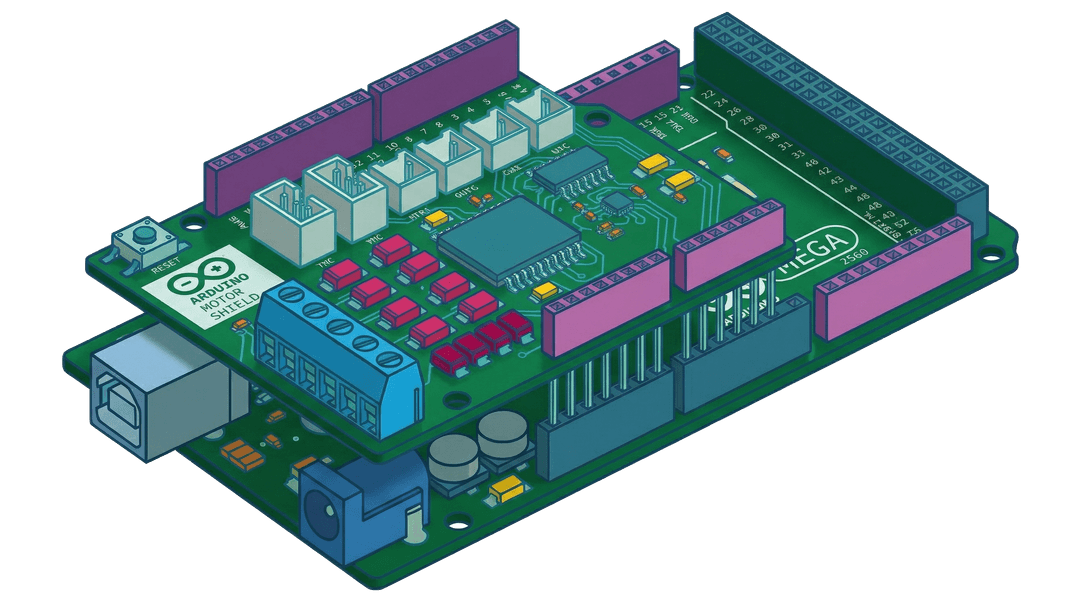
The DCC-EX hardware that drives your track. Connects to the DEJA Server over USB at 115,200 baud.
Connect via USB to DEJA Server for pin-level control of outputs, sensors, and signal heads. WiFi support coming soon.
Connect via USB, or go WiFi-native over MQTT for pin-level control without a cable. WebSocket support coming soon.
WiFi-native CircuitPython device. Connects over your network via MQTT — no USB cable required. WebSocket support coming soon.
Register any WLED controller as a device and trigger its scenes from Throttle, Cloud, or Tour.
Step-by-step guides to help you get the most out of the platform — whether you're just getting started or expanding a club layout.
Throttle
Train control, function buttons, consists, and everything you can do from the Throttle app.
Monitor
SoonDiagnostics, DCC command logging, device status, and system health monitoring.
Tour
SoonGuest-facing layout tours — interactive effects, media, and area exploration.
Snap a photo — AI fills in your roster entry, function mapping and all. Review and accept field-by-field.
Roster, turnouts, and settings sync instantly across all devices through DEJA Cloud.
Web app works on phone, tablet, and desktop. PWA install — no app store.
Subscription-gated access. Your layout data is yours — secured end-to-end by DEJA.js.
Commands reach your track in under 100ms via WebSocket + serial bridge.
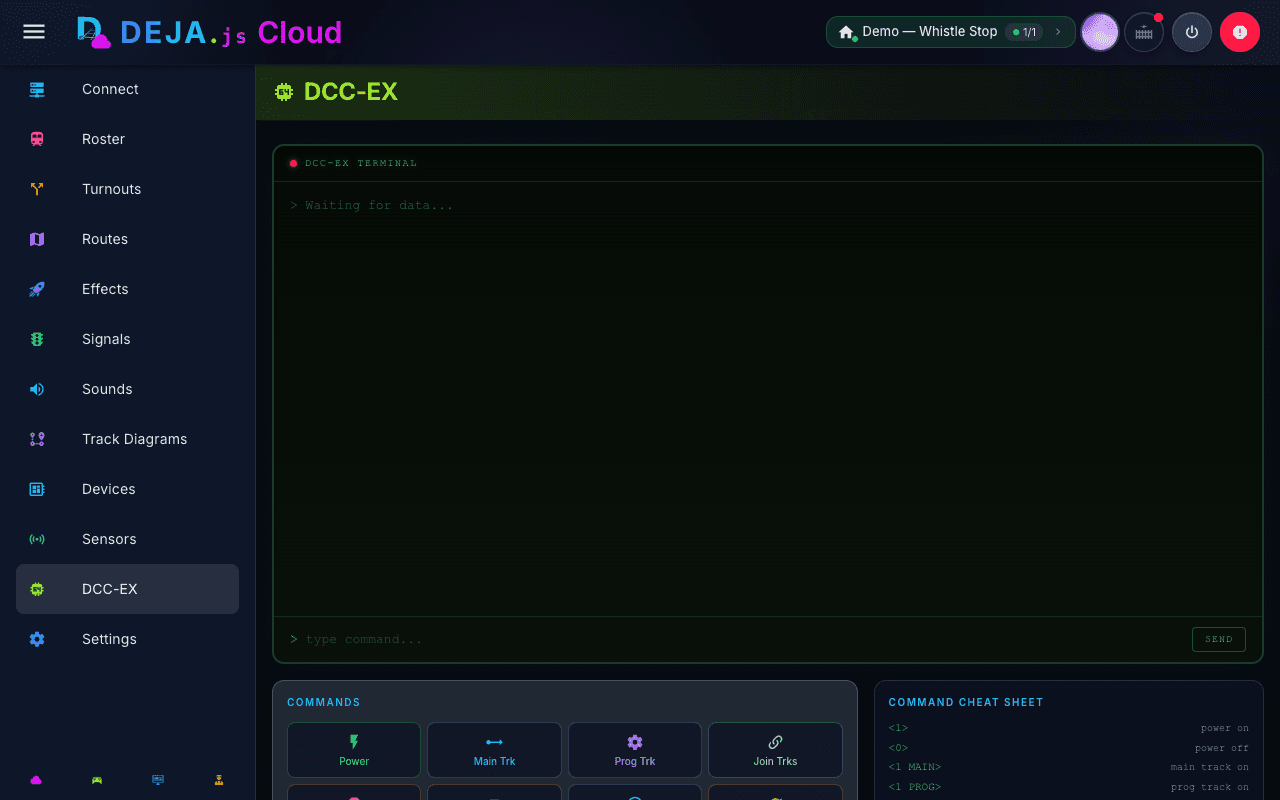
Built specifically for DCC-EX. Full protocol support — not a general-purpose tool.
Built-in WiThrottle server replaces JMRI for that role. Engine Driver, ThrottleCard, ProtoThrottle, and other WiThrottle clients connect directly — including ThrottleCard’s Apple Watch and game-controller support.
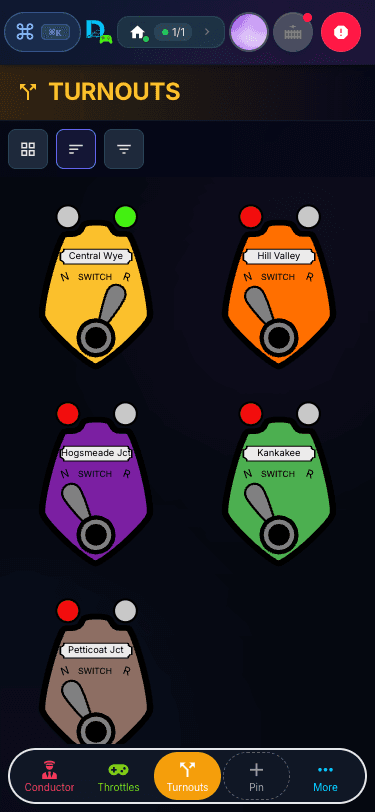
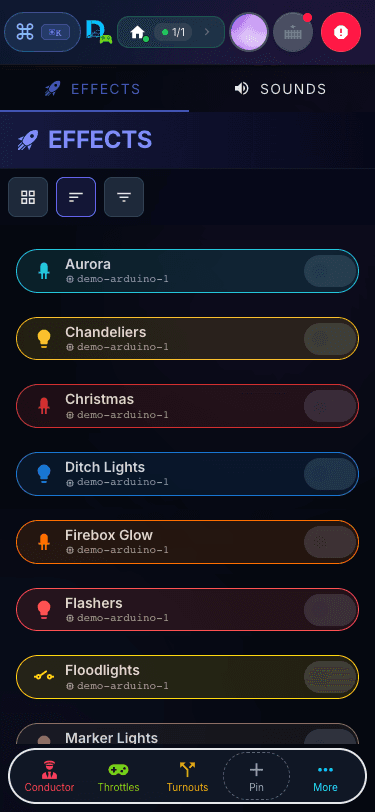
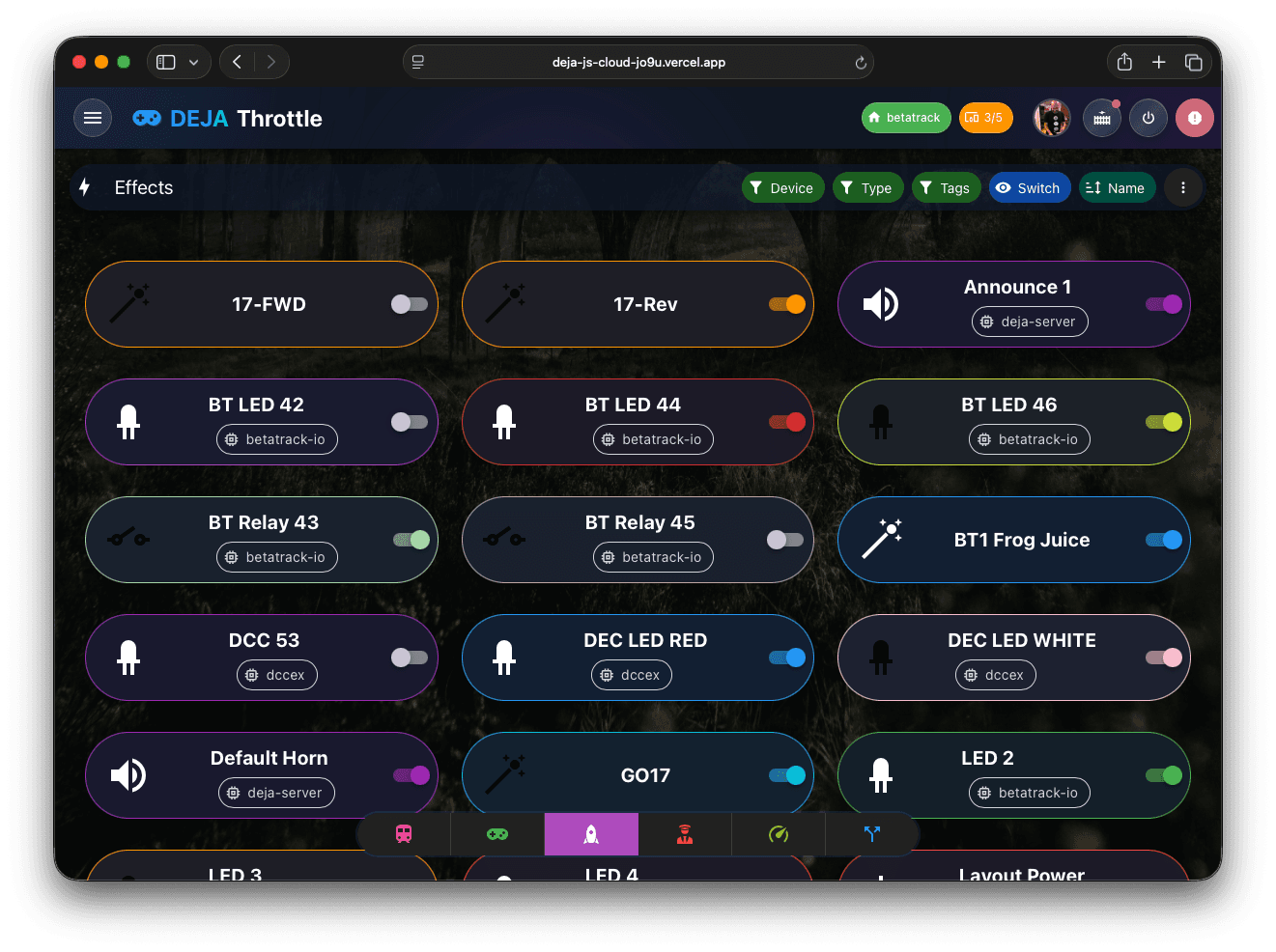
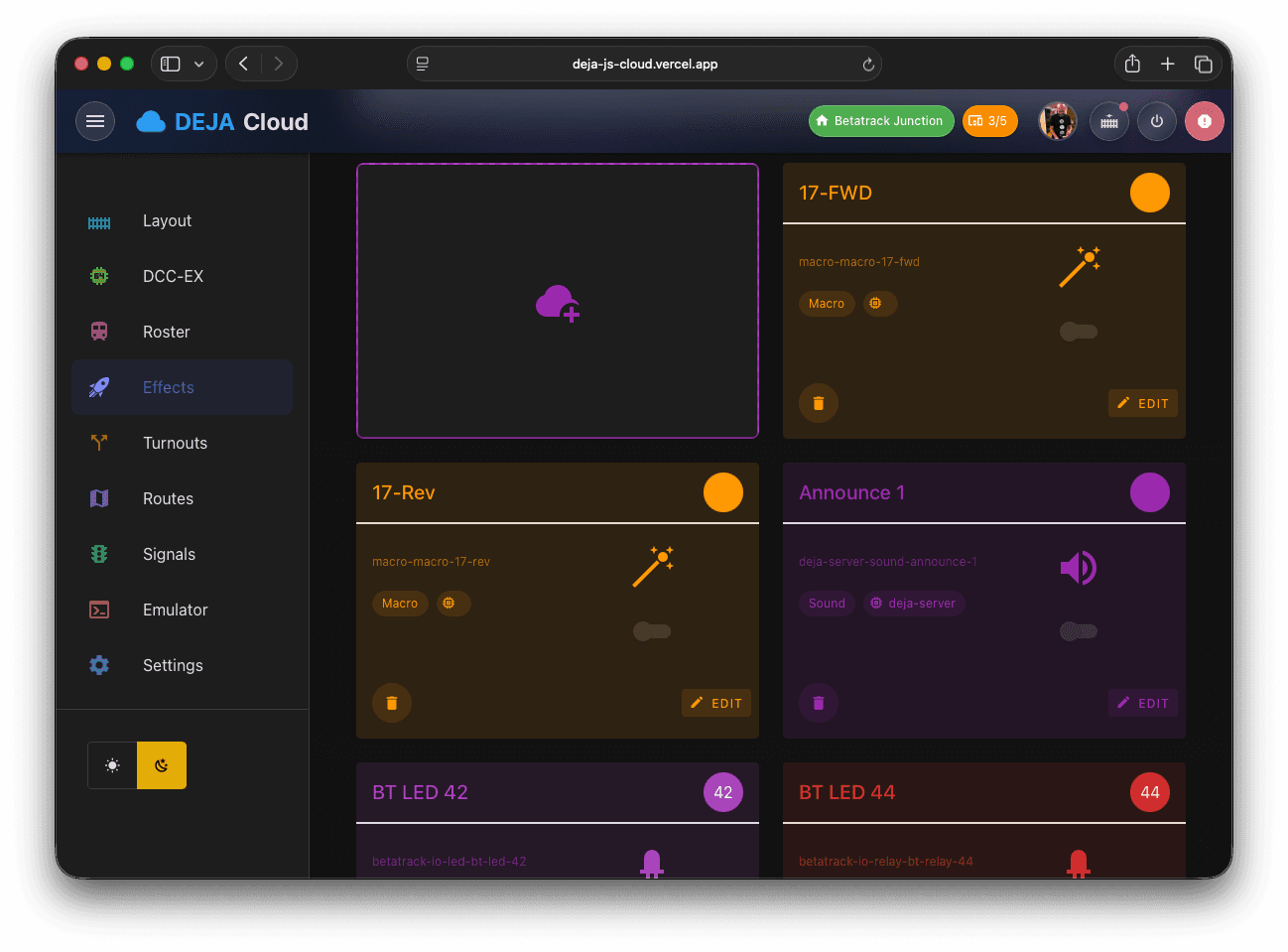
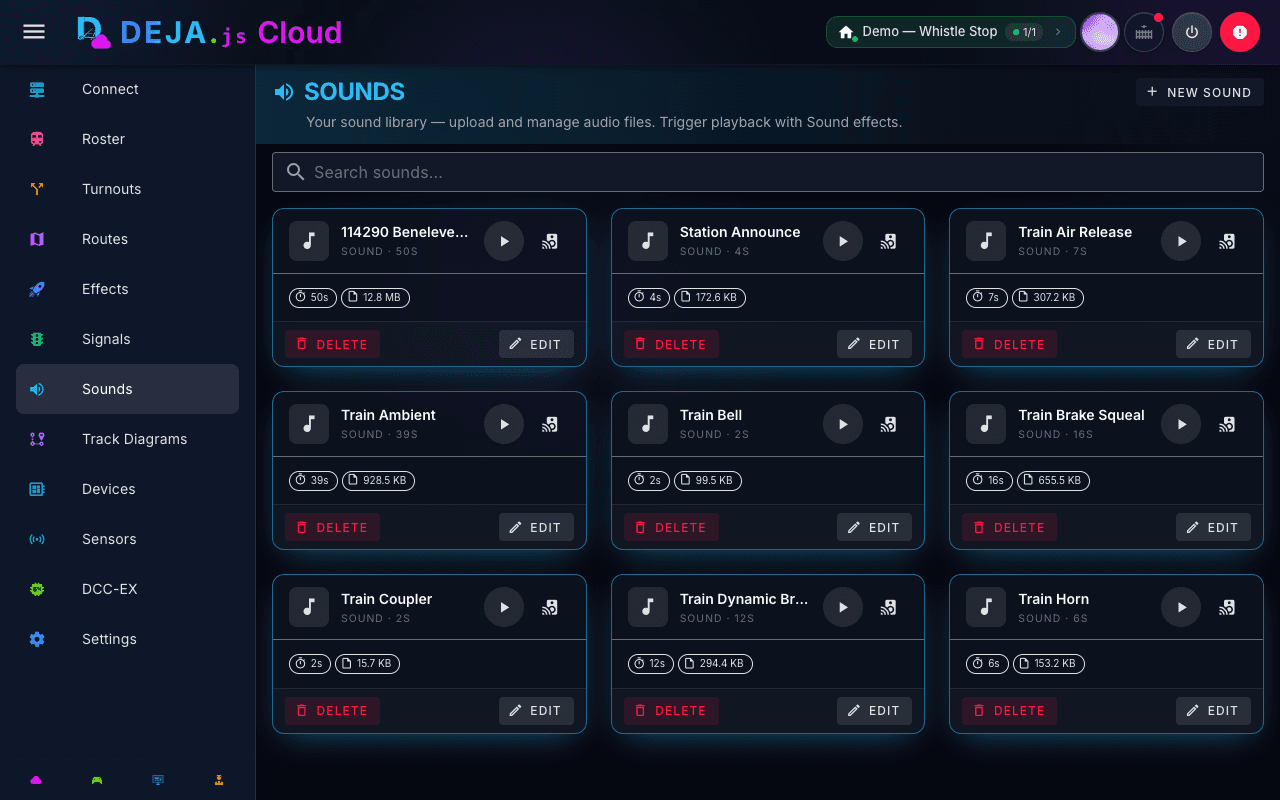
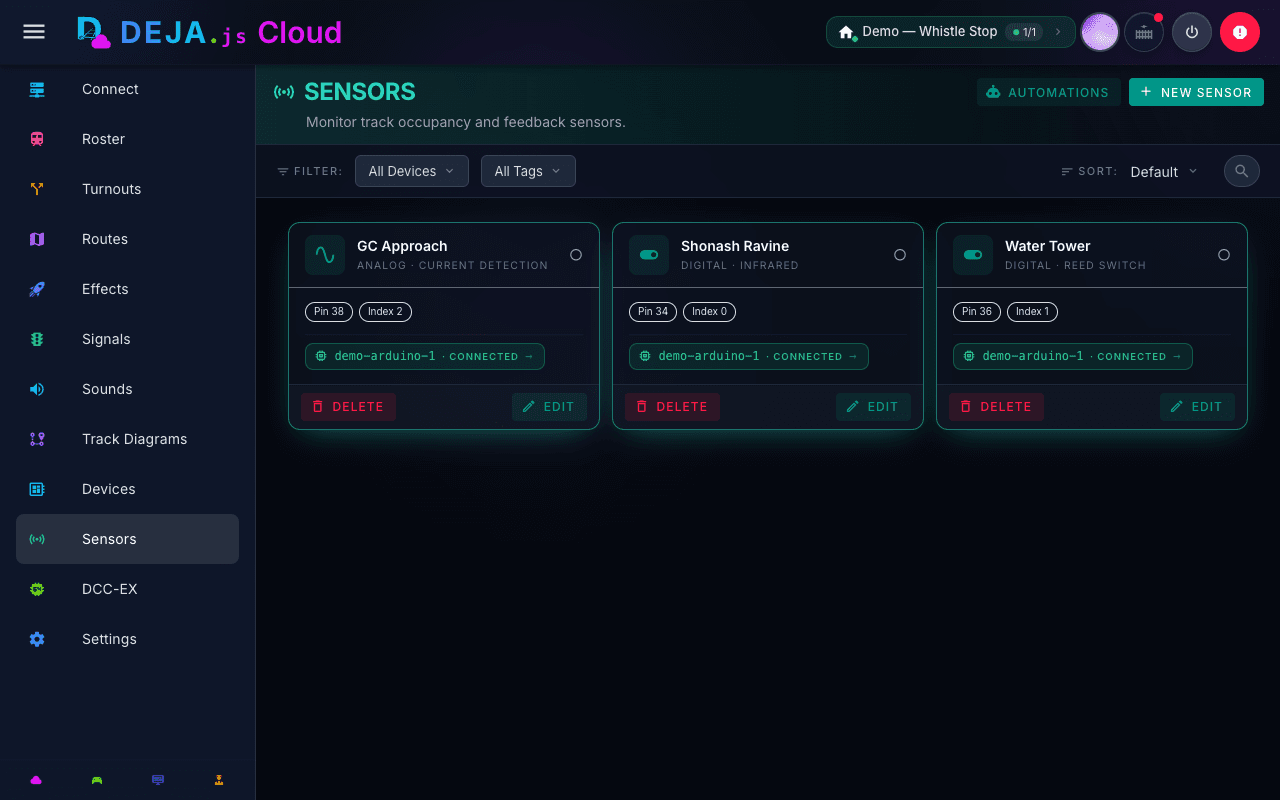
Toggle lights and relays, activate WLED scenes, and play your sound library from any device on your network.
Optional MQTT broker integration for advanced automation and sensor inputs.
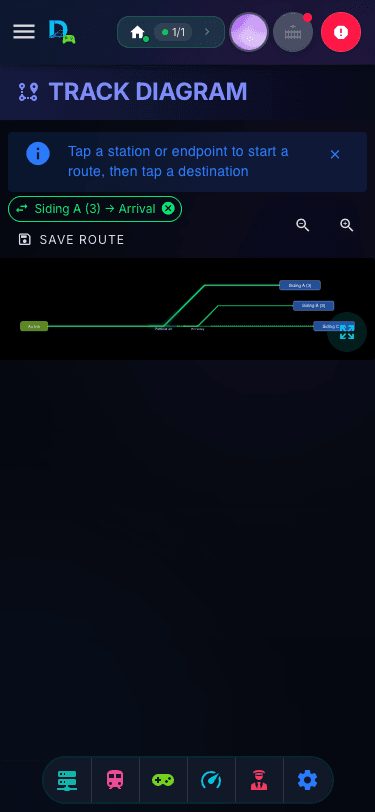
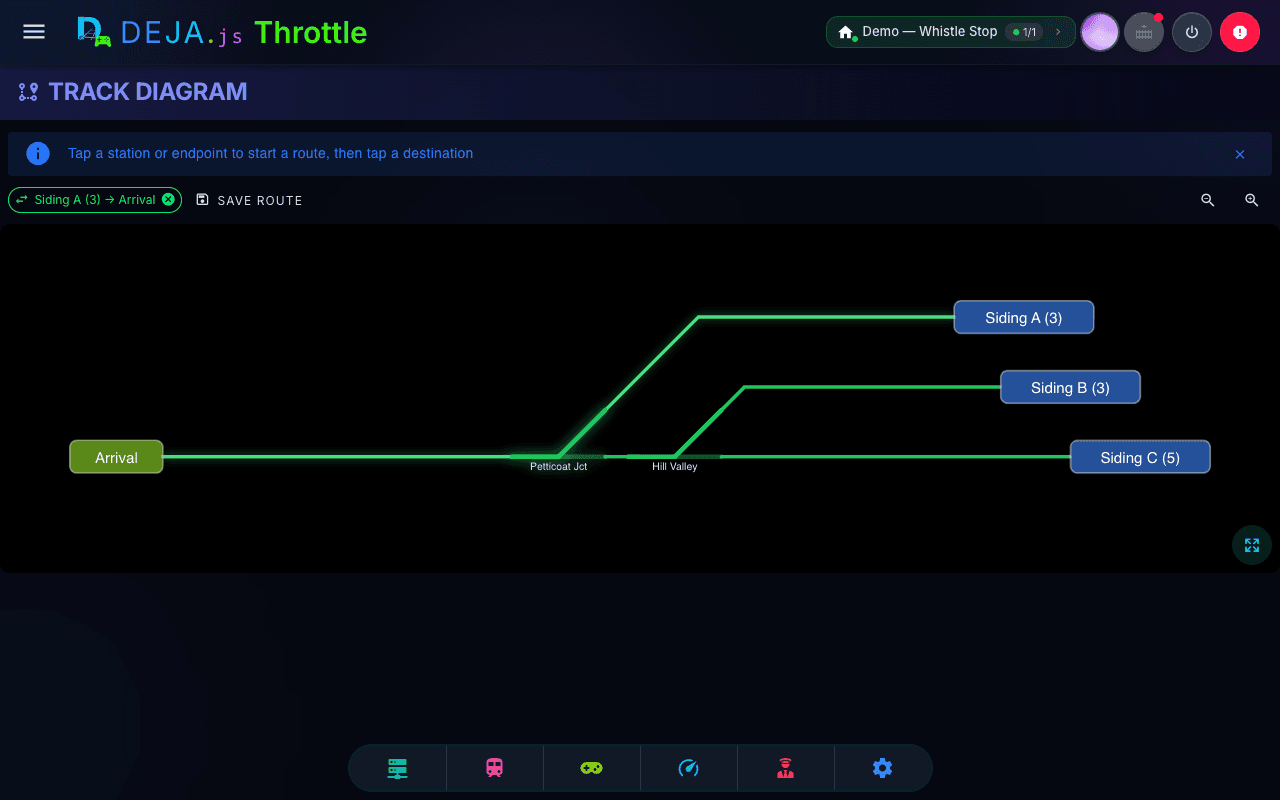
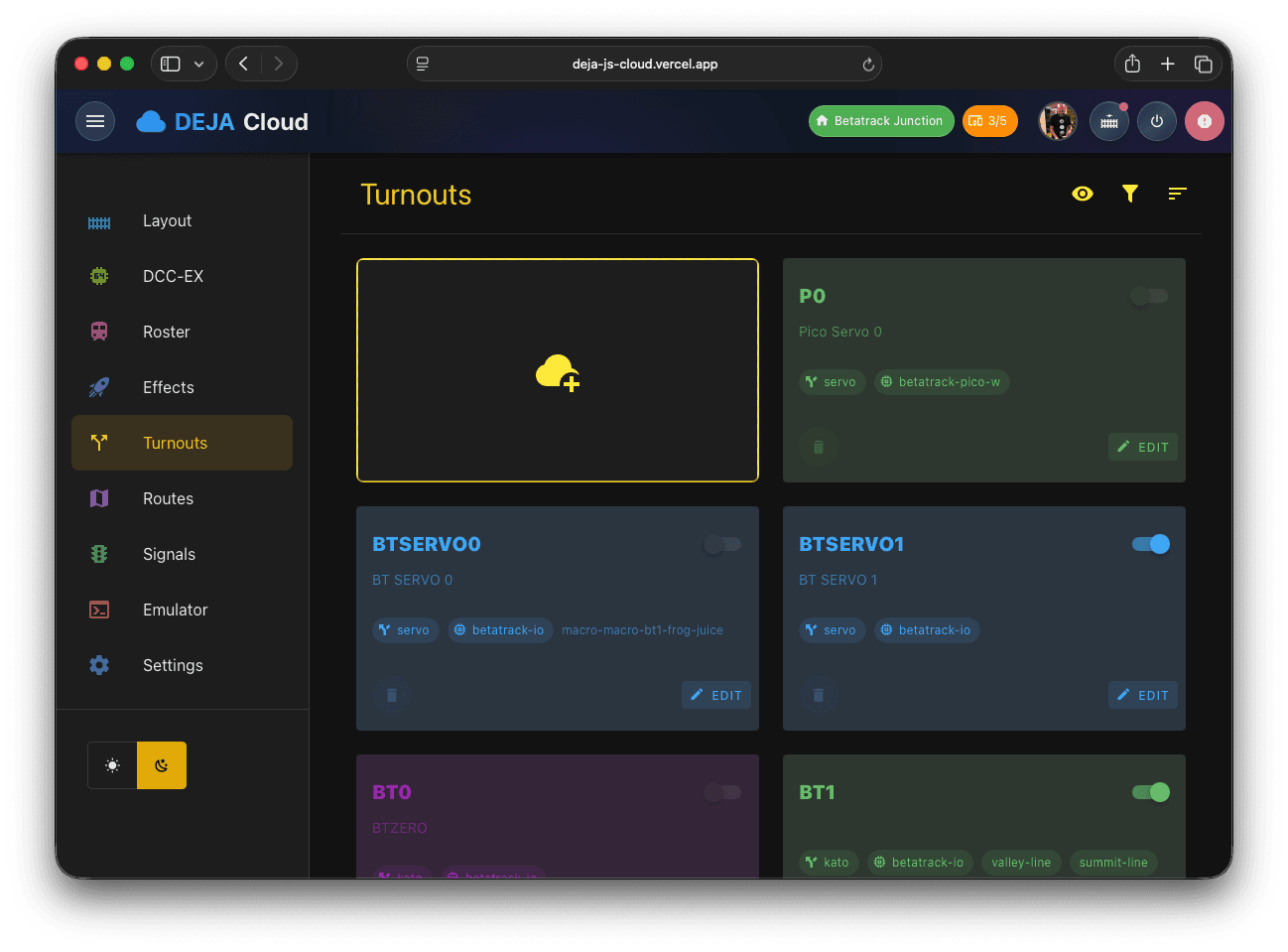
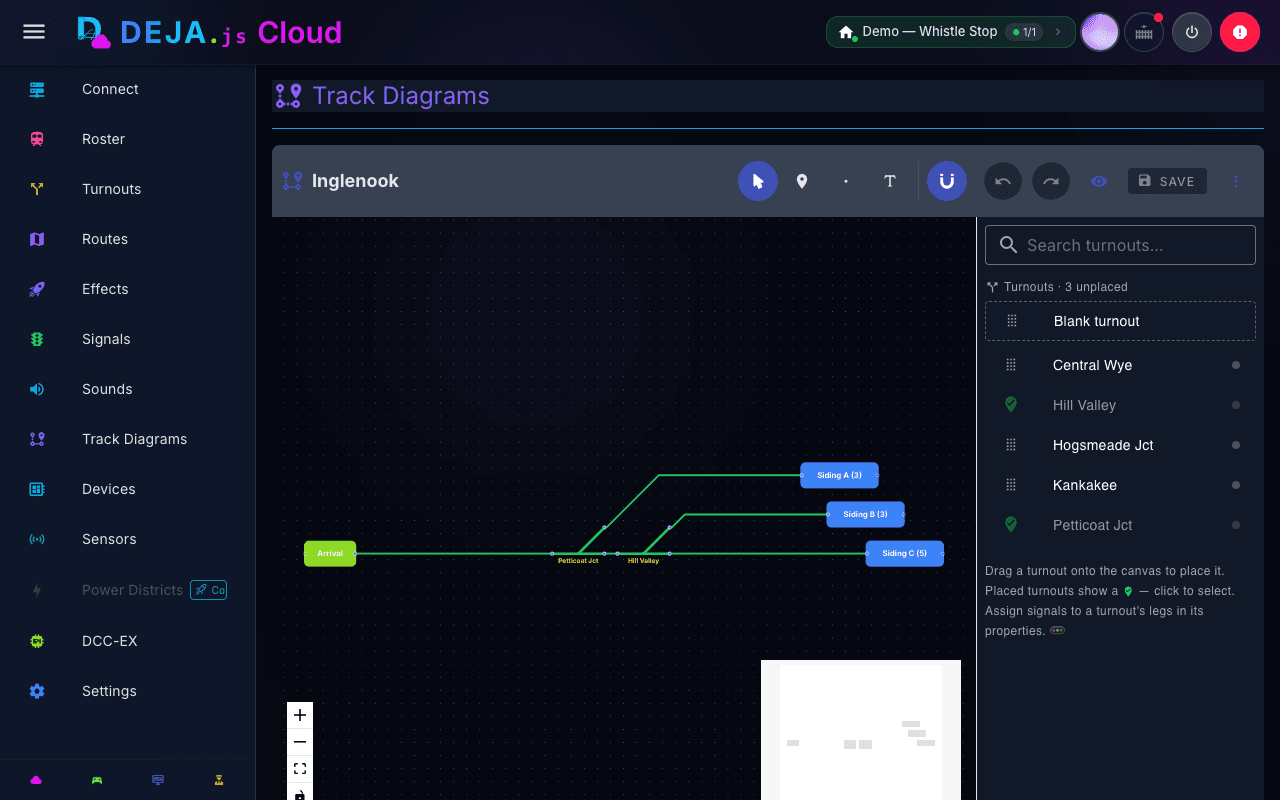
Drag-and-drop schematic editor — turnouts, routes, and signals, all automated from a clickable track map.
Support for Main, Programming, DC/PWM, and Booster modes on separate EX-CommandStations.
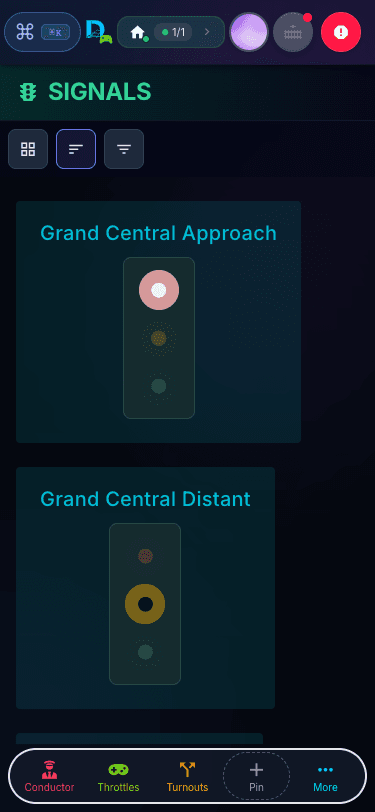
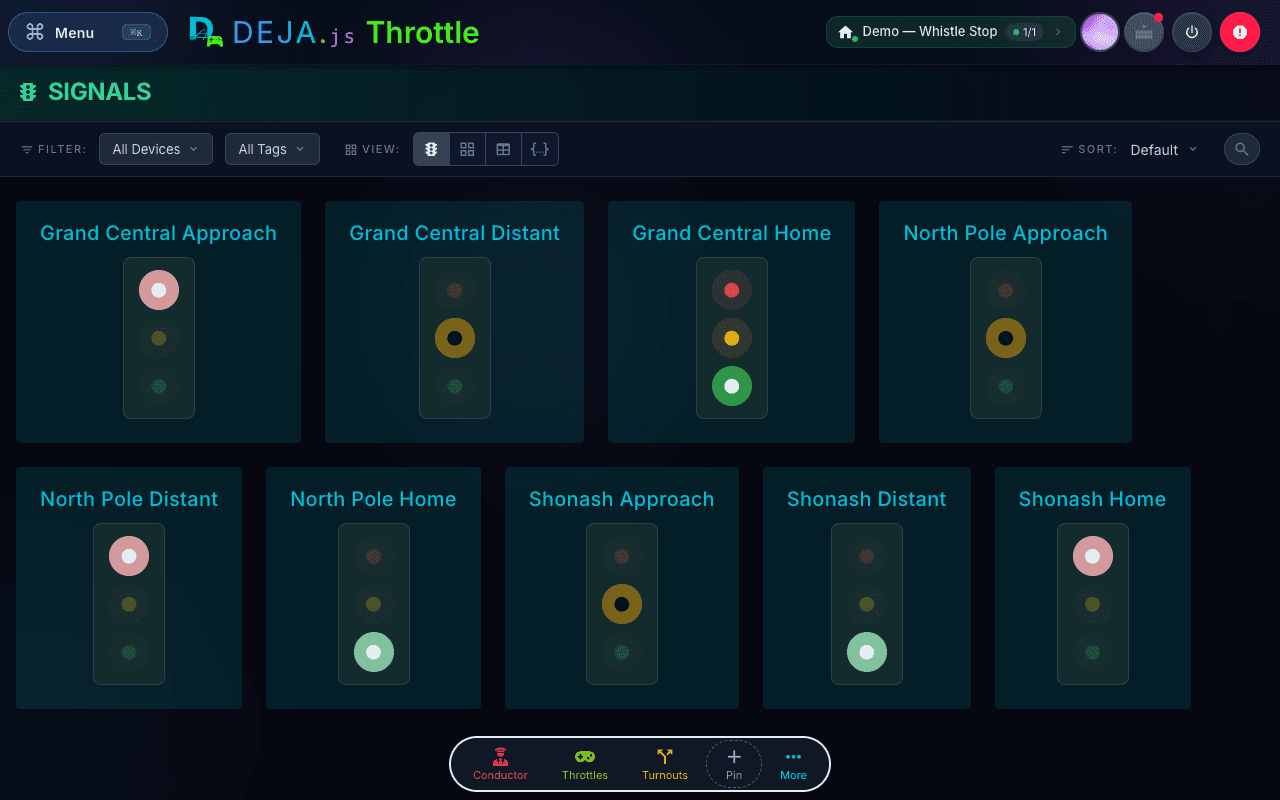
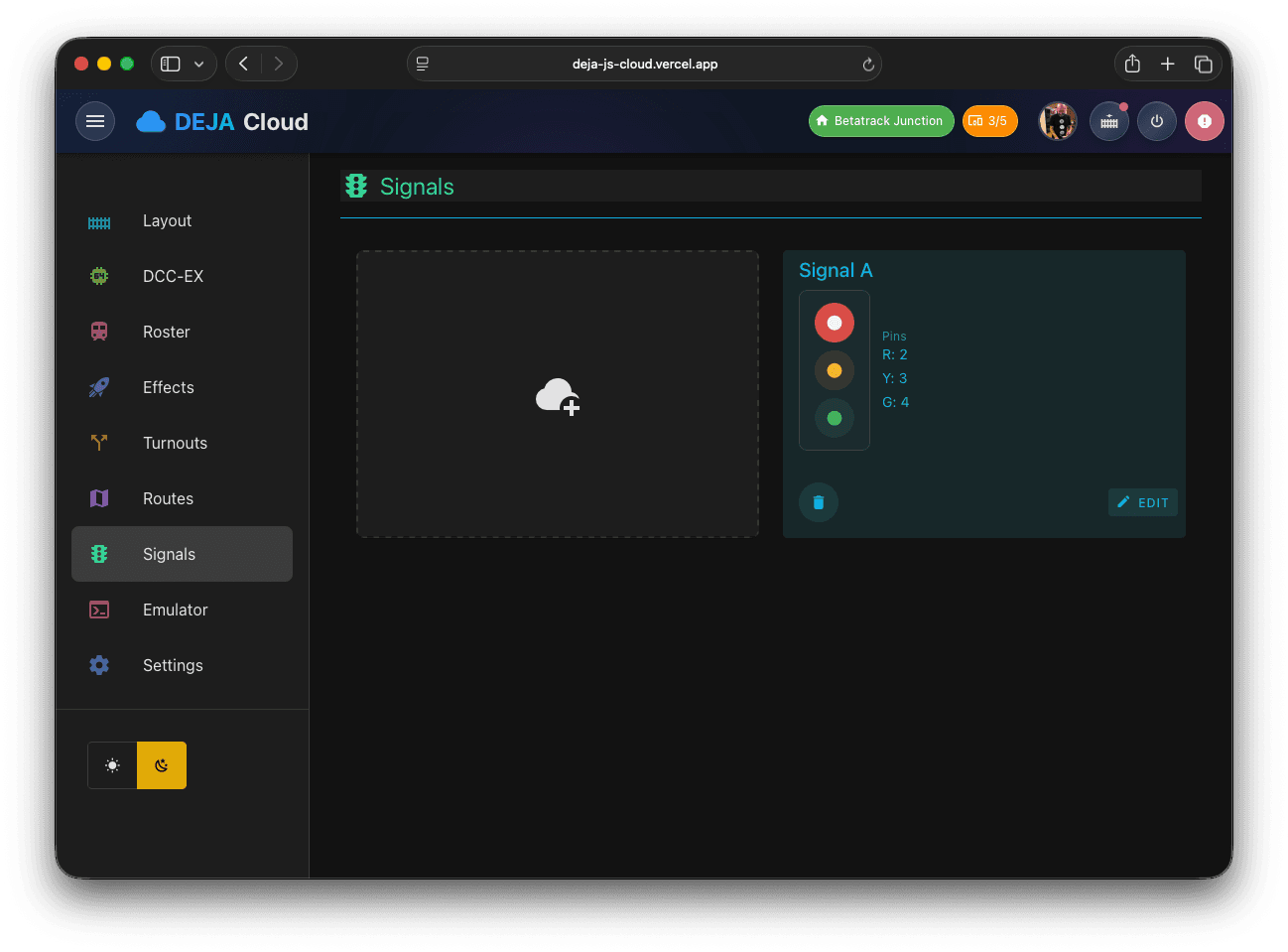
Configure signal heads with full aspect control tied to block occupancy.
From our Discord community to hands-on consulting — we've got you covered.
Ask questions, share layouts, and connect with other DEJA.js users. Free for all.
Get instant answers about setup, configuration, and troubleshooting from our AI assistant.
Paid plans include support tickets with a guaranteed response time. Priority handling for Engineer and Conductor.
Per-incident help, prepaid hours, or direct consultation with Track and Trestle Technology for complex layouts and custom integrations.
 DEJA.js
Sign up free — you'll be driving in minutes.
No credit card required for free tier · Cancel anytime
DEJA.js is developed by Track and Trestle Technology, LLC
We offer consulting services for DEJA.js projects — big or small. Get in touch →