
Cloud App
The Cloud app is the administration hub for managing your DCC-EX layout. Configure locomotives, turnouts, routes, effects, signals, and connected devices from a centralized dashboard.
Key Features
- Dashboard — Overview of layout status, connected devices, and system health
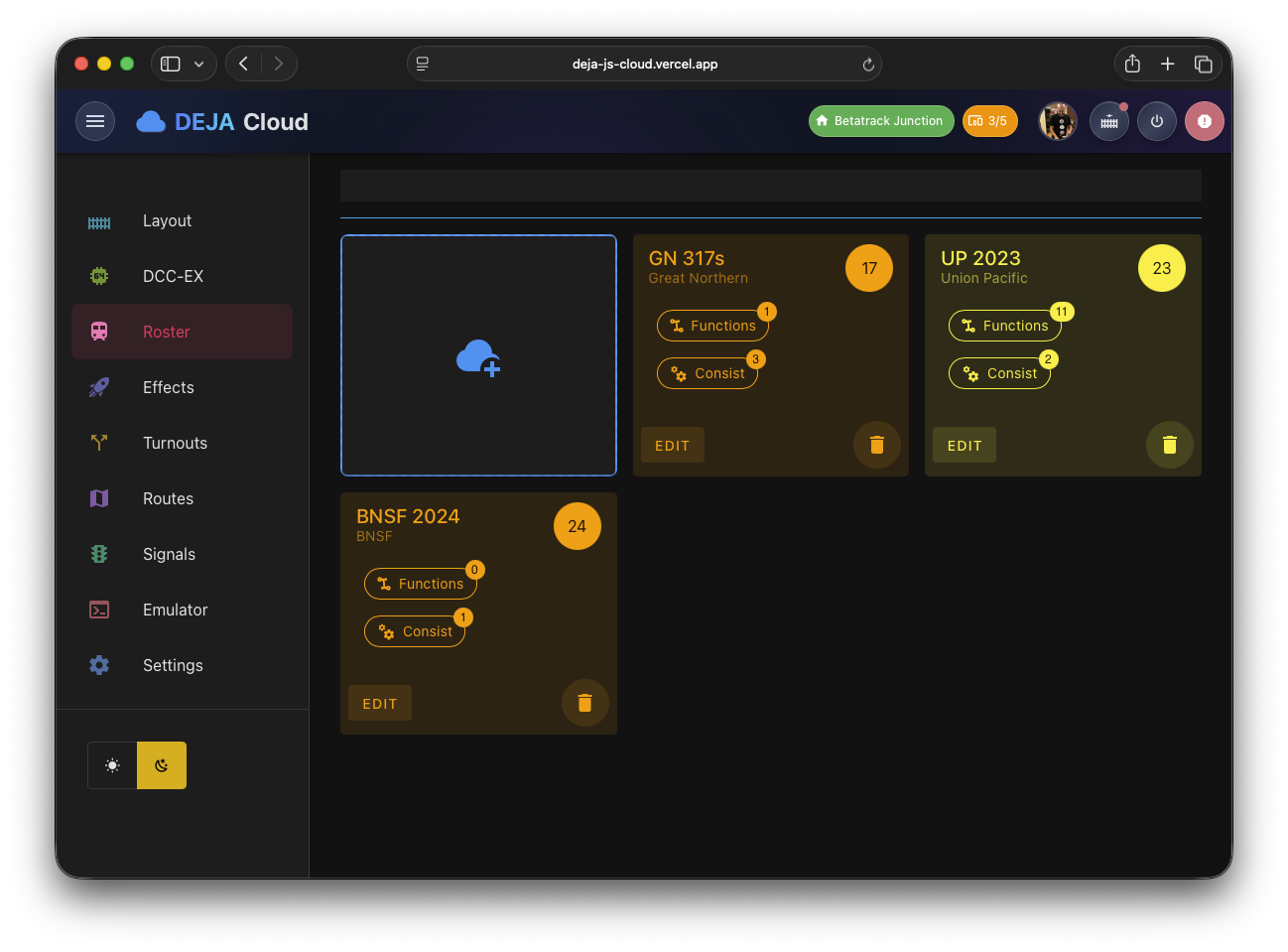
- Roster Management — Add, edit, and organize locomotives with custom names, addresses, and function mappings
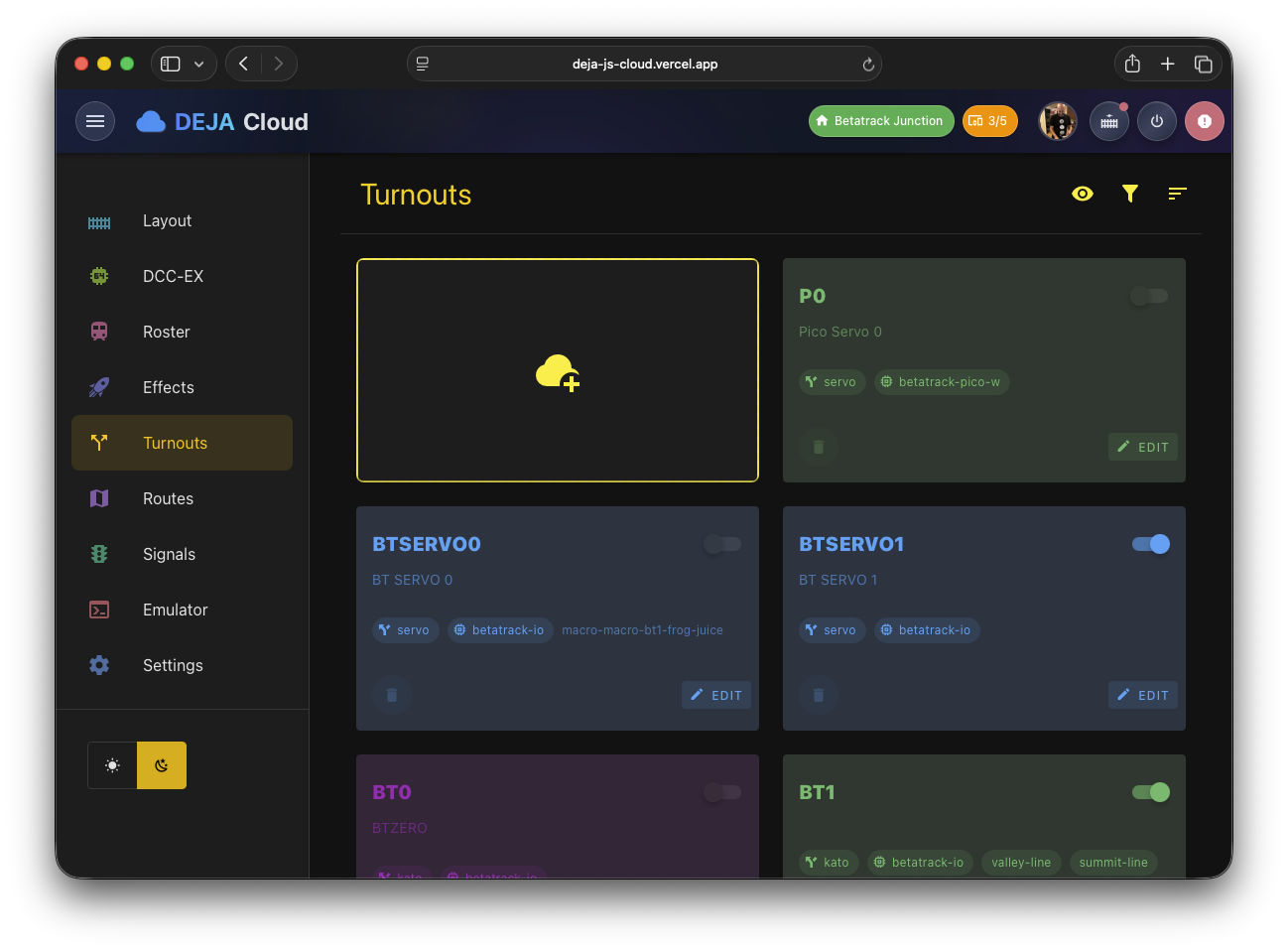
- Turnout Configuration — Define turnouts with DCC addresses and friendly labels
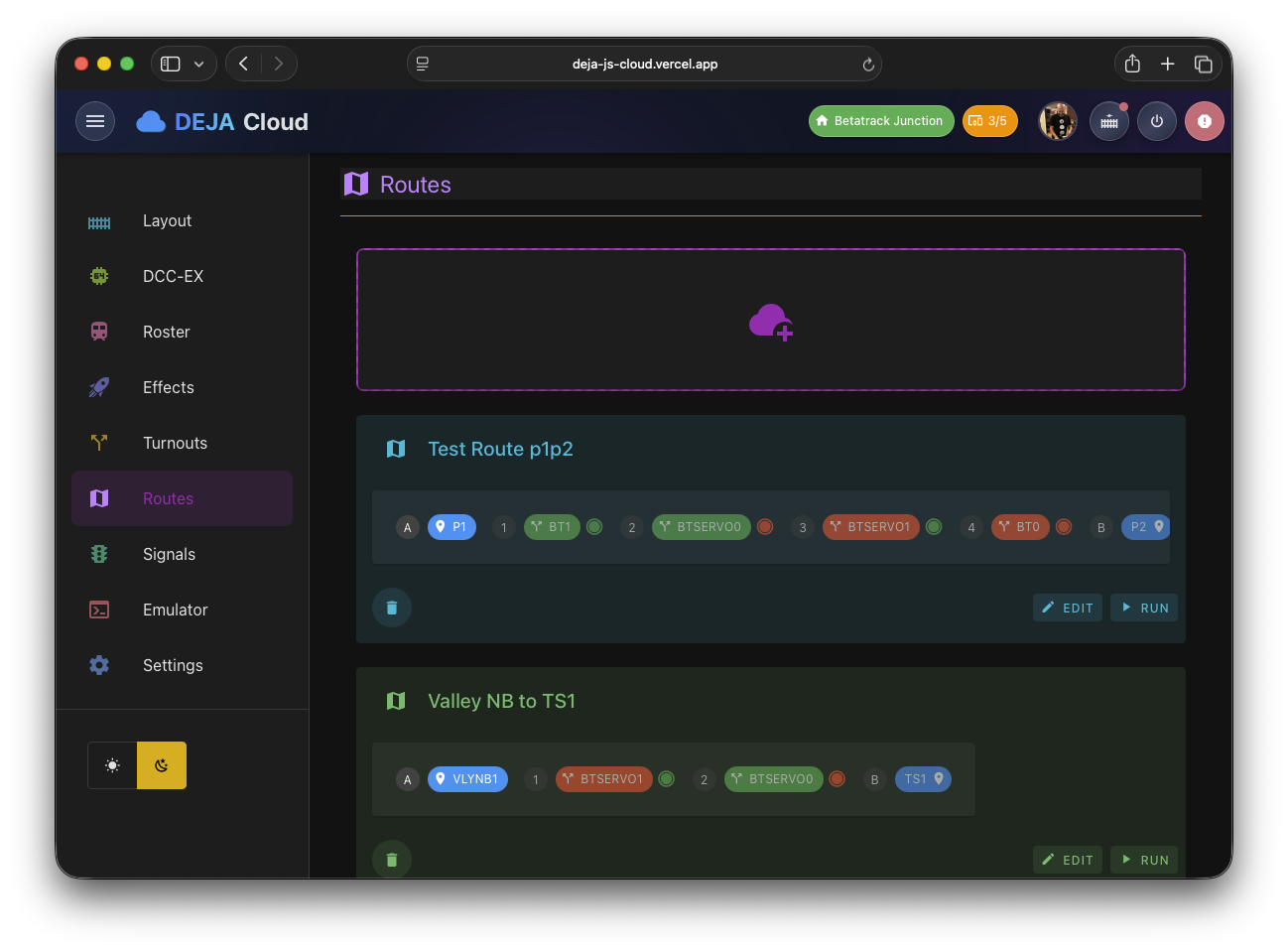
- Route Builder — Create routes that set multiple turnouts in sequence
- Sound Library — Upload, browse, and manage sound files stored in Vercel Blob
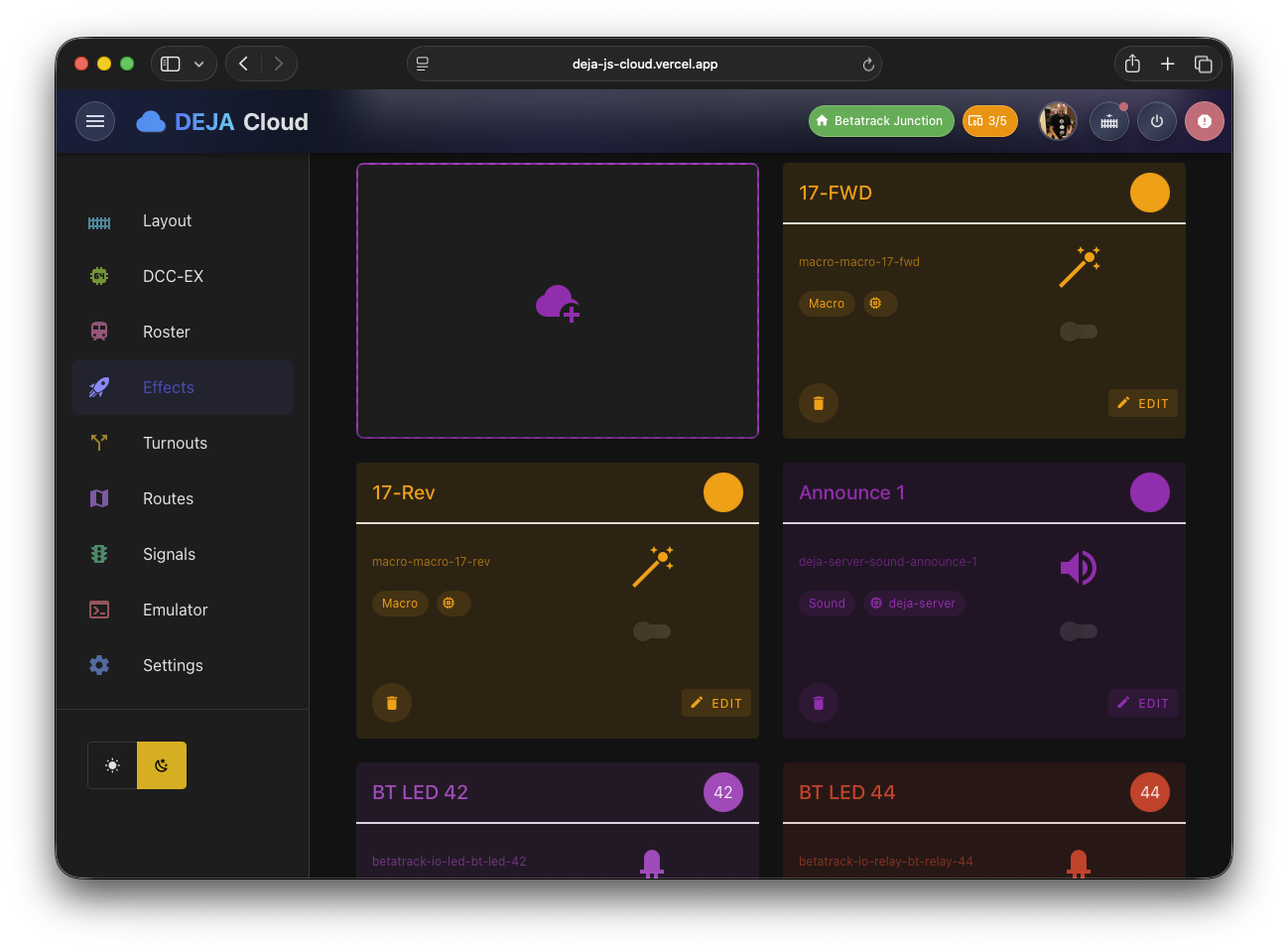
- Effects Management — Configure sound effects, lights, and animations
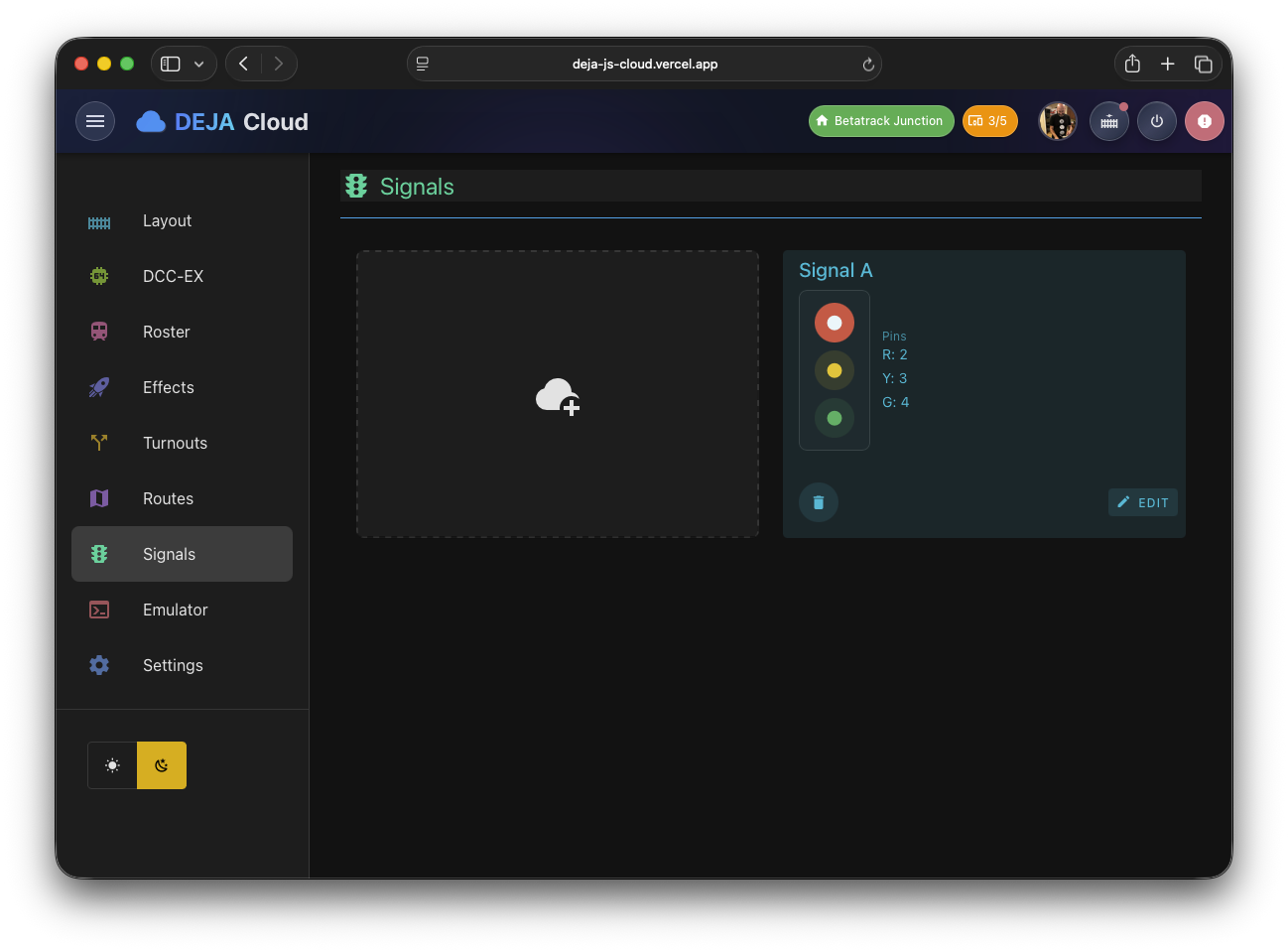
- Signal Wiring — Set up signal aspects and output pin mappings
- Sensor Management — Configure sensors and automation rules
- Device Management — Monitor and configure connected hardware devices
- DCC-EX Console — Direct command-line access to the DCC-EX command station
- Settings — Layout settings, user profile, and billing
- Upgrade — View subscription plans and upgrade options
Onboarding
New users are guided through an onboarding wizard to create their first layout. After completing onboarding, a Setup Complete page provides:
- Confirmation of layout creation with the user's Layout ID
- Quick-add form to register a first locomotive (DCC address + optional name)
- Server installation instructions with credentials
- Curated links to documentation (install guide, roster, turnouts, effects)
- Direct navigation to the dashboard
Layouts are automatically approved on creation — there is no admin approval step.
Screenshots
Dashboard

Roster
Turnouts
Routes
Effects
Signals
Devices

DCC-EX Console

Settings

Technical Details
- Framework: Vue 3 with Composition API
- State: Firebase Firestore via VueFire
- Auth: Firebase Auth with onboarding wizard and auto-approved layouts
- Routing: Vue Router 4 with meta-based guard chain
- Port: 3011 (development)